

Solutions
-
Home
-
Solutions

Web-to-print solutions for Media and Enterprise
A web-to-print platform limitation is the point where the software stops matching the print business: a price needs manual correction, artwork needs repair in prepress, or a web order is retyped into the MIS. Each solution page names one such symptom, explains the mechanism behind it, and points to the service that fixes it.
Reviewed by CEO, Netbase JSC · Updated 15 Oct 2026

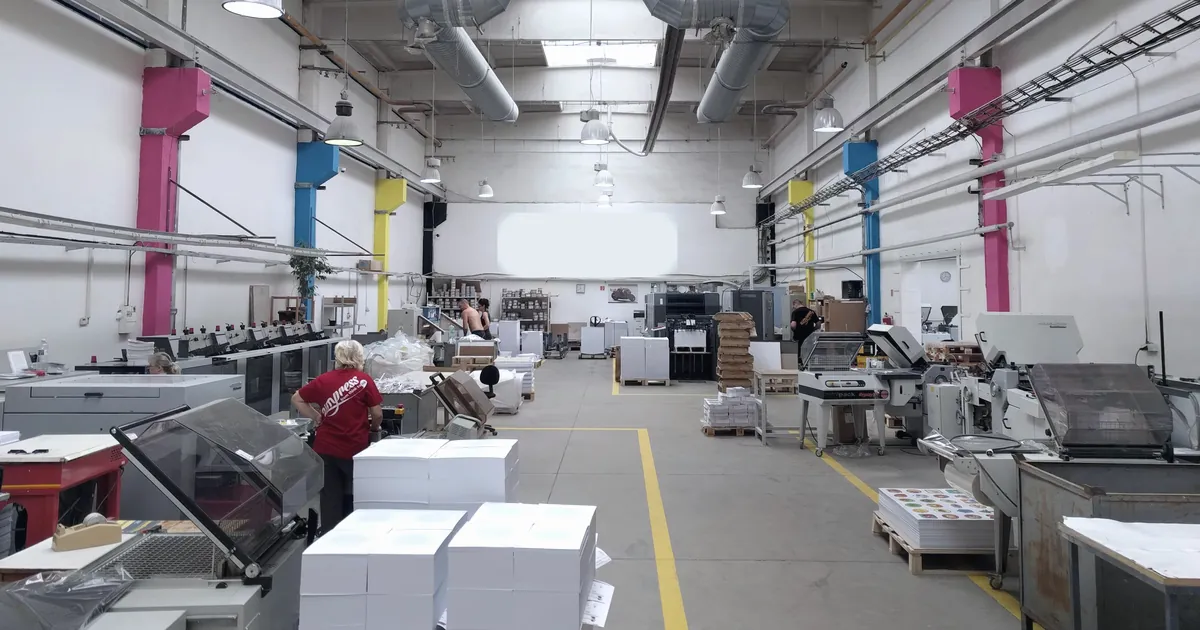 You have outgrown a web-to-print product
A print business has outgrown a packaged web-to-print SaaS product when a rule it applies every day, such as a price calculation, an option constraint or an output requirement, can only live outside the system as an override, a spreadsheet or a note to production. The fix is often one owned component, not a full replacement.
Learn More
 Too many variants for real print products
Print products produce too many variants when every option, such as size, stock, finish and quantity, is modelled as a sellable SKU. The combinations multiply past platform limits and past what production can check. The fix is a product model with few purchasable variants, open choices carried as attributes, and rules plus a price engine that validate each combination.
Learn More
 Replace the storefront and keep the print MIS
A print business can replace an ageing web-to-print storefront without replacing its print MIS when the MIS exposes a supported interface for jobs and status. The new ordering layer maps options, prices and artwork into the MIS job model, submits each order with a stable key, handles rejections and retries, and proves one order becomes one correct job.
Learn More
 Print orders retyped into the production system
Print orders are retyped into the production system when the web-to-print storefront and the print MIS share no job model and no interface is in use between them. Staff rekey each web order as a job. The fix is a field map and an idempotent adapter over whatever interface the MIS offers, even a file import.
Learn More
 Artwork rejections and manual prepress rework
Manual prepress work piles up when a web-to-print channel accepts artwork without a preflight decision at upload. Every faulty file then surfaces after the order as a rejection, an email and a repair by hand. The fix moves checks to intake: rules from the printer's file specification, safe automatic fixes, and a clear reason the customer sees.
Learn More
 Your design editor exports RGB, not CMYK
A web-to-print editor exports RGB because browsers draw in RGB colour spaces. Canvas, SVG and CSS render to sRGB or Display P3 with no CMYK output, so a file saved from the screen stays RGB. The fix is a server render pipeline that converts with a named ICC profile, keeps black and spot colours, and preflights the PDF.
Learn More
 You cannot price a custom size online
A custom print size cannot be priced from a fixed variant table because the price depends on the area or perimeter computed from the typed width and height, the sheet or roll yield that size produces, and the business's own minimums and rounding rules. A validated model computes and checks each of those before a price is shown.
Learn More
 Duplicate print orders from a webhook
A retried or duplicated storefront webhook creates two print jobs for one order when job creation is not idempotent. Networks retry, buyers resubmit, and platforms redeliver the same event. The fix keys every submission on a stable idempotency key, checks a dedup store before creating a job, and reconciles storefront orders against production jobs on a schedule.
Learn More
 Franchisees are not using the brand templates
Franchisees drift off brand on print when the ordering system does not enforce four controls together: templates locked to the approved design, a named list of fields a location may edit, an approval rule for anything unusual, and a permission model that matches head office, regional and location roles. Missing any one control reopens the gap.
Learn More
Losing margin on wide-format pricing
A wide-format shop can price every job per square metre and still lose margin, because nesting efficiency, the usable area a size actually yields from a roll or sheet, is not the same as the billed area. The per-square-metre rate stays consistent while the real material cost moves with how well a job nests.
Learn More
How do you know which boundary is failing?
"Our web-to-print system is too limited" is a real complaint, but it is too broad to act on. The useful question is which rule breaks, and where. A solution page on this site owns one symptom, traces the mechanism that causes it, and only then names the engineering scope that resolves it. A buyer should understand why the failure happens before discussing architecture, suppliers or budgets.
Most complaints fall into four symptoms:
- Prices are corrected by hand. Estimators re-check web quotes because the platform's price tables approximate a calculation that depends on sheet yield, make-ready, finishing and customer terms. The fix is usually a print pricing engine, not a new storefront.
- Artwork is repaired in prepress. Files arrive in RGB, without bleed, with missing fonts or below print resolution, because the web channel exports a preview rather than a production PDF. Print-ready PDF and prepress automation owns that boundary.
- Orders are retyped into the MIS. The storefront order and the production job use different models and nothing maps one to the other. Print MIS and ERP integration removes the second keying; the solution page below explains the mechanism.
- The product itself has been outgrown. Workarounds have become the workflow and the platform cannot represent a rule the business applies every day.
The same symptom can come from different causes. Manual price review may mean a missing calculation rule, an unresolved commercial decision, or a storefront that cannot apply a price computed elsewhere. Keep the options open until one real order shows which boundary is responsible.
Which solution pages are published?
You have outgrown a web-to-print product is for a printer whose packaged platform handles ordinary products but forces overrides, spreadsheets or notes to production for the products that matter. It shows how to test whether the limit is configuration, an extension point or the product model itself, and how to compare a contained component with a full replacement.
Too many variants for real print products is for a business whose storefront turns every size, stock, finish and quantity into a separate variant, until the platform limit, stale prices or impossible combinations force manual work. It shows how attributes, compatibility rules and one price calculation replace the variant grid.
Replace the storefront and keep the print MIS is for a business whose ordering layer is obsolete while the MIS remains the trusted system of record for estimates, jobs and production history. It follows one order across that boundary, including retries, rejections and revisions, so the replacement can be scoped without touching production.
Print orders retyped into the production system is for a printer whose storefront can stay but whose staff rekey every web order into the MIS. It explains why the two job models never meet, what to do when the MIS has no web API, and how an idempotent adapter over even a file import removes the second entry.
Artwork rejections and manual prepress rework is for a printer whose prepress team repairs or rejects web files after the order is paid. It moves the preflight decision to upload, with per-product file rules, safe automatic fixes and a clear reason the customer can act on.
Your design editor exports RGB, not CMYK is for a printer or software team whose browser design tool saves what the screen shows. It explains why browsers produce RGB and how a server render with named ICC profiles, black and spot colour handling and preflight produces the print file instead.
Losing margin on wide-format pricing is for a shop whose per-square-metre rate already looks consistent while margin still erodes. It shows how nesting efficiency, not billed area, drives the real material cost, and why that is a different failure from being unable to price a custom size at all.
How does the diagnosis differ by buyer?
The starting point and the question a diagnosis asks both change with who is buying.
| Buyer | Starts with | What the diagnosis asks |
|---|---|---|
| Printing businesses | What can actually be produced: stocks, sizes, quantities, finishing and file requirements, across commercial, trade, wide-format and signage, packaging and labels, apparel, photo products and multi-location brand print | Whether a configured product reaches a correct quote, accepted artwork and one production job, including a rejected file and a corrected order |
| Media and publishing teams | Approved content and a campaign schedule, rather than a catalogue | How a content revision changes an order already placed, and how an operator confirms which version was approved for print |
| Enterprise buyers | Governance: account hierarchies, permission models, approval workflows and brand-locked template systems | Who owns the catalogue, who may change a design, which approver releases an exception, and which procurement or identity systems must be connected |
We can build B2B and corporate print storefronts to the enterprise row above.
Where does the group experience come in?
Netbase JSC, which operates Web2Print Solutions, has delivered 50+ web-to-print platforms. That experience shapes the diagnostic questions on these pages: the same few boundaries, price, artwork, order handoff and product model, account for most platform complaints. Web2Print Solutions provides scoped services for new web-to-print setup, upgrades, migration and software integration for media organisations, print businesses and enterprise teams.
A packaged product is still the right answer when its model handles the work faithfully. A solution page will say so, because custom software is justified only when a rule cannot be represented without a parallel spreadsheet or recurring manual repair.
What should you do next?
If you can name the failing boundary, go straight to the matching service in the web-to-print engineering services directory. If you cannot, send a project brief with one product the current system gets wrong, the manual correction your team makes, and the result production would accept. That single order is usually enough to show which boundary is failing.