

Insights
-
Home
-
Insights

Web-to-print engineering insights
Web2Print Solutions insights are dated articles that explain one engineering decision behind print ordering software at a time: how a storefront, a price calculation, artwork handling and a production system connect, where that connection usually breaks, and which service or solution page covers the work of fixing it.
Reviewed by CEO, Netbase JSC · Updated 14 Oct 2026





Web-to-print build options come down to four approaches: an off-the-shelf SaaS product, a commerce plugin or app extended for print, a custom build, or a hybrid that keeps a product and engineers only the gap. The right choice depends on how unusual the pricing rules, output specification and production integration are.
What to put in a web-to-print RFP, section by section
A web-to-print RFP should specify nine things in writing: products and options, pricing rules, artwork and preflight rules, integrations, roles and approvals, output files, acceptance tests, ownership and licensing, and support. Written this way, every supplier answers the same questions, and the chosen one can be held to tests rather than impressions.
A go-live checklist for a web-to-print storefront launch
A web-to-print storefront should pass ten go-live checks before launch: products and options behave as specified, prices match real quotes, artwork upload and file checks work, proofs and approvals route correctly, payment and tax calculate correctly, orders reach production, notifications fire, accounts and permissions hold, old URLs redirect, and a named owner runs support from day one.
Why web-to-print projects stall, and how to tell early
Web-to-print projects usually stall because three decisions were never made before the build started: who owns the pricing rules, what exact file production will accept, and how orders reach the production system. Code written ahead of those decisions is rewritten each time one is settled, so the schedule moves while the scope looks the same.

A PDF is print-ready when production can run it without repair: the page is the trimmed size plus bleed, trim and bleed boxes are defined, colour is CMYK or named spot colour for the printing condition, fonts are embedded, images are sharp at final size and ink coverage stays under the press limit.

Automated preflight: designing pass and fail rules for print files
Automated preflight checks a file against deterministic rules - geometry, resolution, colour space, fonts, transparency and ink coverage - with thresholds set from the printer's own specification, not a general default. Each check resolves to pass, warn or fail, deciding whether the order proceeds, is auto-fixed, or waits for review.
Design editor SDK vs hosted customizer: how to choose
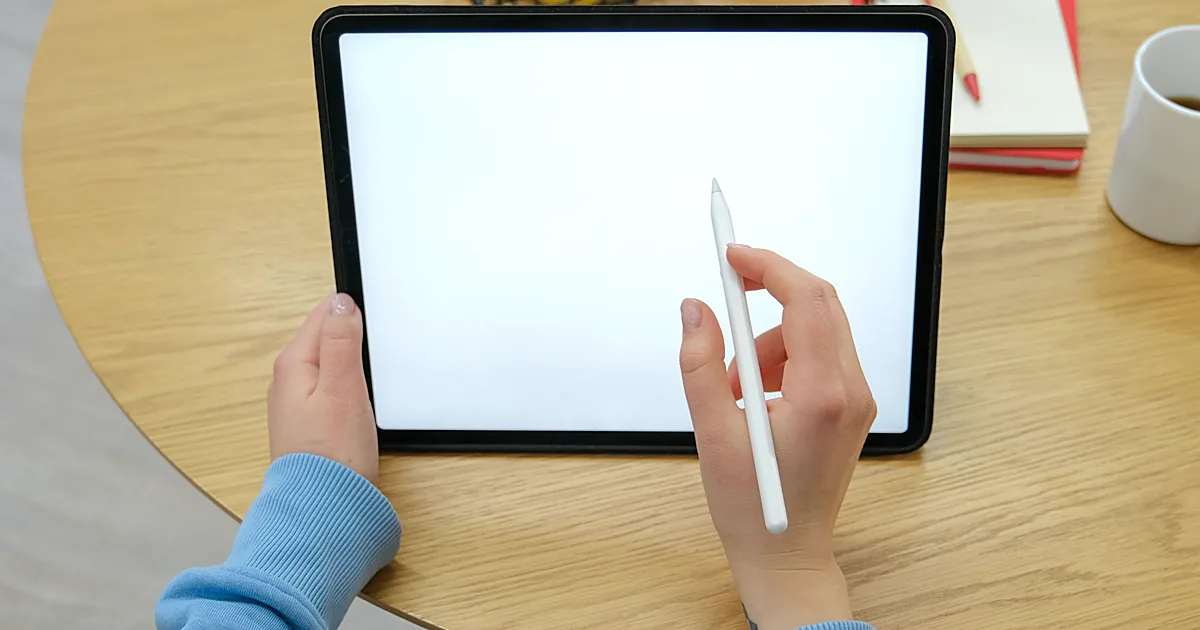
An embedded design-editor SDK gives an ISV, agency or print business control of the UX and data inside its own app, at the cost of integration work. A hosted customizer, reached by iframe or app link, ships faster with less code but hands UX and data control to its operator. The right choice depends on the roadmap's control needs.

Web-to-print glossary: print, prepress and platform terms
This web-to-print glossary defines fifty-three terms that print buyers, print businesses and developers use when they specify an online print ordering system. Each term gets a short, plain definition, grouped alphabetically, with a link to the page that explains the engineering behind it where one exists on this site.

Online printing and digital marketing work as partners only when the campaign and the web-to-print storefront share one product model, one price calculation and one campaign code stored on the order. Most orders a print campaign loses are lost in that handoff, not in the advertisement, so the fix is engineering across storefront, designer, pricing and production.
Bleed, trim and TrimBox: setting up PDF page boxes for print
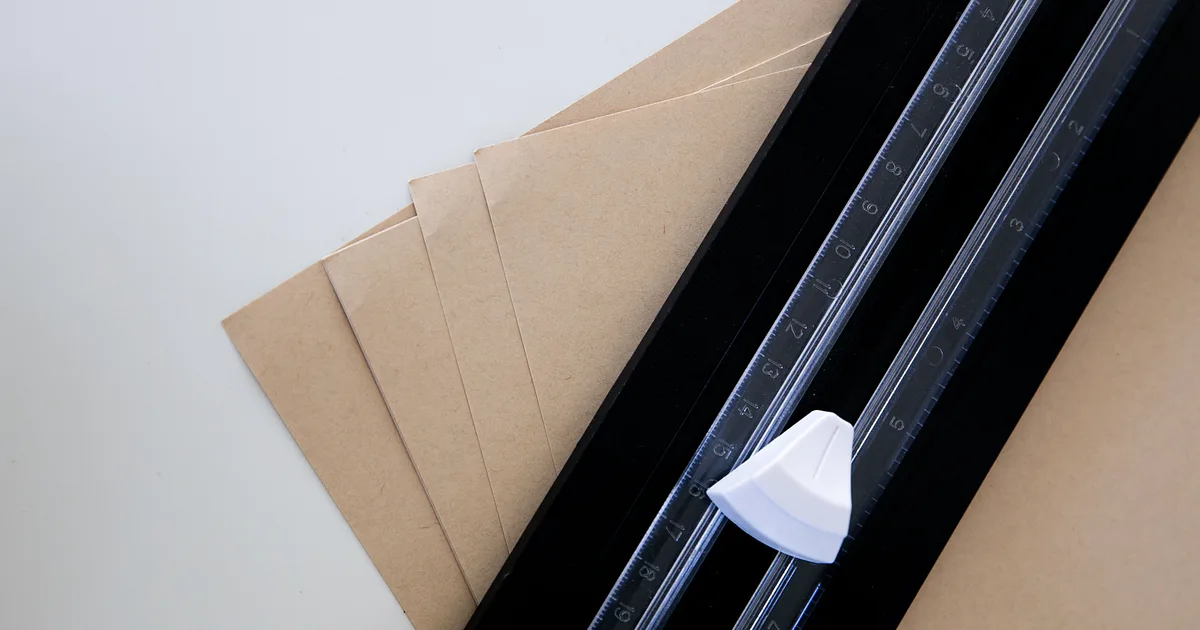
A print PDF carries four page boxes: MediaBox for the full sheet, BleedBox for the trim size plus bleed margin, TrimBox for the finished size after cutting, and ArtBox for the safe content area. A missing or inconsistent TrimBox is a common cause of rejected files, so editors should export all four and preflight should check them.
CMYK and spot colour in a web-to-print pipeline
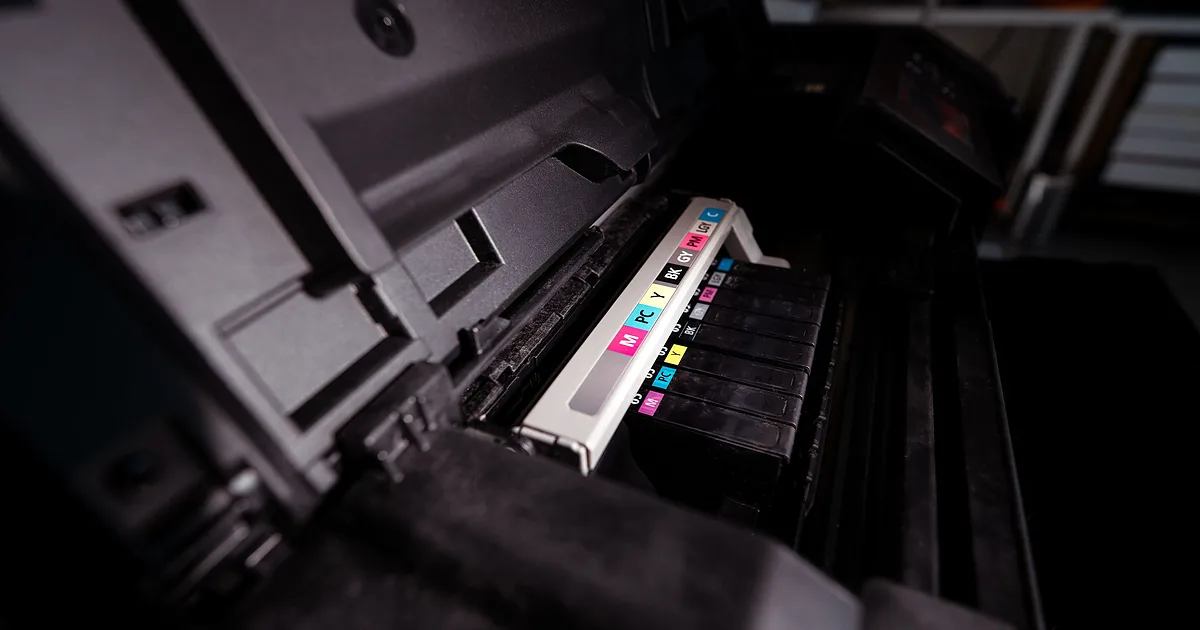
A browser-based design tool draws in RGB, but a press prints CMYK process colour, sometimes alongside named spot inks. A web-to-print pipeline must convert RGB to CMYK against an agreed ICC output intent, keep spot colours as named separations rather than converting them, and preserve overprint settings through to the final file.

Quantity break and run-length pricing rules
Quantity break pricing prices a print product in bands - 1 to 24, 25 to 99, and so on - with the unit price falling as volume rises, rather than computing every quantity from a single formula. The bands should amortise fixed setup cost, round consistently, respect a margin floor, and be tested against known quotes before release.
Artwork checks, background removal, upscaling, auto-layout and support agents each have a real limit in a print workflow: AI can suggest or flag, but a deterministic rule enforces exact specifications and a named person approves anything that reaches production. This article states those limits plainly, without an accuracy figure or any claim of autonomy.
Print pricing is a function, not a price list
Print pricing is a function of size, quantity, substrate, finishing, turnaround and waste, not a static price list. A spreadsheet matrix tries to pre-compute every combination and breaks as variables multiply. The fix is to model pricing as a tested function with named inputs, checked against known-good quotes before it ships.
What a web-to-print platform needs after launch
Launch is the start of a web-to-print engagement, not the end. Published case studies on this site record platforms running two to seven years after launch, with new designer releases, device and payment fixes, added languages, and two stores no longer online. The pattern recurs because catalogues, devices, browsers and payment rules keep changing.
What does this section cover?
This section holds analysis rather than service descriptions. A service page on this site describes an engagement: its scope, its boundaries and what a print business has to decide before work starts. An insight takes one question that comes up before or during that work and follows it through the systems involved, so that a reader can reason about the problem before talking to any supplier.
Our engineering focus is web-to-print: product configurators, print pricing logic, print-ready output pipelines and integration with print production systems. The articles stay inside that focus. They are written for owners, operations managers and technical leads at print businesses, media organisations and enterprise print buyers who need to understand why an ordering channel behaves the way it does.
How is each article written?
Each article answers a single question in its first section, in plain terms and without a sales argument. The rest of the page explains the mechanism behind the answer: which system holds which piece of data, what happens when an order moves from one system to the next, and which assumption fails most often.
Every article carries its publication and update dates, and states the conditions under which its advice applies. Web-to-print platforms, commerce platforms and production systems change their interfaces and limits over time, so a claim about a platform is tied to the documentation that supports it and the date that documentation was checked. Where a statement depends on a figure, the figure is sourced; where no figure exists, the article says so rather than estimating one.
Articles are analysis, not case studies. They do not name clients, report results or describe a delivered project, and they do not rank or review suppliers.
Which articles are published?
Six pieces are published. Two help a buyer decide and specify a platform, two explain why builds and files fail, and two are references.
Web-to-print build options: SaaS, plugin, custom build or hybrid compares the four ways to get a web-to-print platform on eight dated criteria, from catalogue fit and pricing rules to ownership and running responsibility. It includes the cases where a packaged product or an in-house team is the better answer.
What to put in a web-to-print RFP, section by section is a buyer checklist in nine sections: products and options, pricing rules, artwork and preflight, integrations, roles and approvals, output files, acceptance tests, ownership and licensing, and support. It is written so a buyer can use it against any supplier, including this one.
Why web-to-print projects stall, and how to tell early argues that most stalled builds stall on three decisions nobody made before development started: who owns the pricing rules, what file production will accept and how orders reach the production system.
What makes a PDF print-ready, and why yours was rejected is a guide-style reference. It explains the seven checks production applies to a file, from trim and bleed boxes to colour, fonts, resolution and ink coverage.
Web-to-print glossary: print, prepress and platform terms defines fifty-three terms, from bleed, TrimBox and total area coverage to ICC profiles, PDF/X, JDF, MIS, hot folders and web-to-pack, each in one to three sentences.
Online printing and digital marketing, engineered to work together follows a campaign click through product configuration, pricing, artwork and production, and names the four connections worth engineering first. More articles will be added when each has been reviewed. This section does not follow a publishing schedule, because a schedule that is missed is a broken promise and an article written to fill a slot is rarely worth reading.
How do insights relate to the rest of the site?
An insight explains a problem; the directories explain what can be done about it. Web2Print Solutions provides scoped services for new web-to-print setup, upgrades, migration and software integration for media organisations, print businesses and enterprise teams.
- The web-to-print engineering services directory describes each engagement, from architecture discovery to pricing, prepress automation and production integration.
- The web-to-print workflow solutions directory starts from a symptom, such as prices corrected by hand or orders retyped into the production system, and traces it to the boundary that is failing.
- The web-to-print integration surfaces directory records the platform facts that change the engineering on a given commerce platform.
What should you do next?
If an article describes a problem your business already has, the linked service or solution page is the next step. If you are not sure which boundary is responsible, send a project brief that describes one order your current system handles badly and the correction your team makes by hand. One real order usually shows more than a general description of the platform.