

Web-to-print for commercial printers
Commercial printers use web-to-print to take repeat and standard work off the estimator's desk without losing the rules behind an estimate: stock and gsm, run length, make-ready, imposition and finishing. The engineering work is turning those rules into a pricing engine, checking customer artwork before prepress, and passing each order into the print MIS as a job.
Start a project brief Explore servicesReviewed by CEO, Netbase JSC · Published 29 Sep 2026 · Updated 3 Oct 2026

How do commercial printers order and produce print?
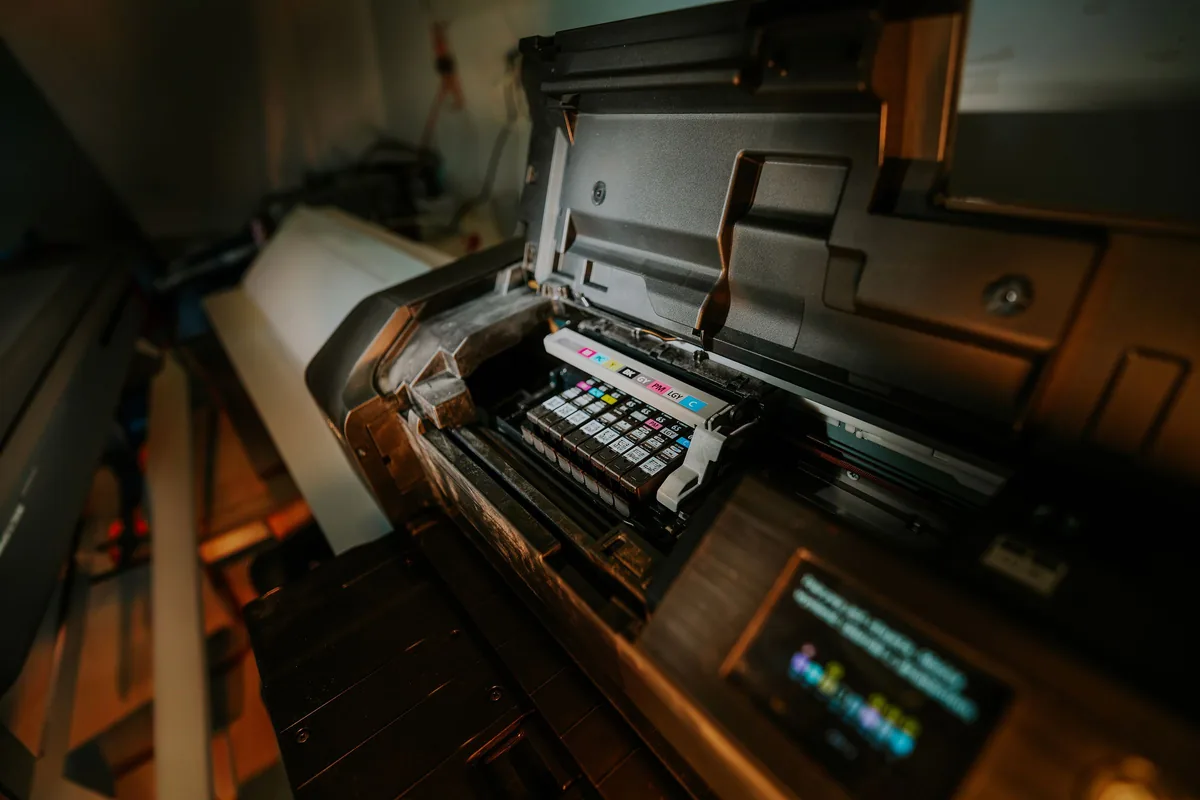
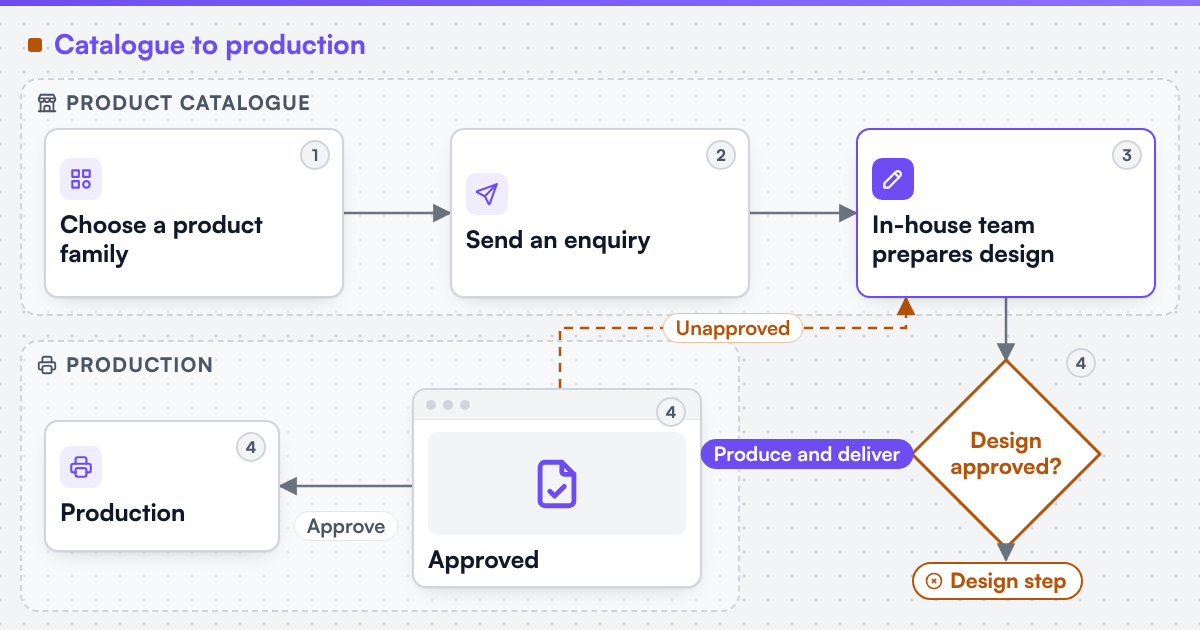
A commercial printer runs a job shop. A customer sends an enquiry, an estimator prices it from stock, gsm, run length, colours, make-ready, imposition and finishing, and the customer approves a quote and a proof. The job then gets a job ticket in the print MIS, goes through prepress, onto a litho or digital press, through finishing and out for delivery, and the invoice follows from the MIS.
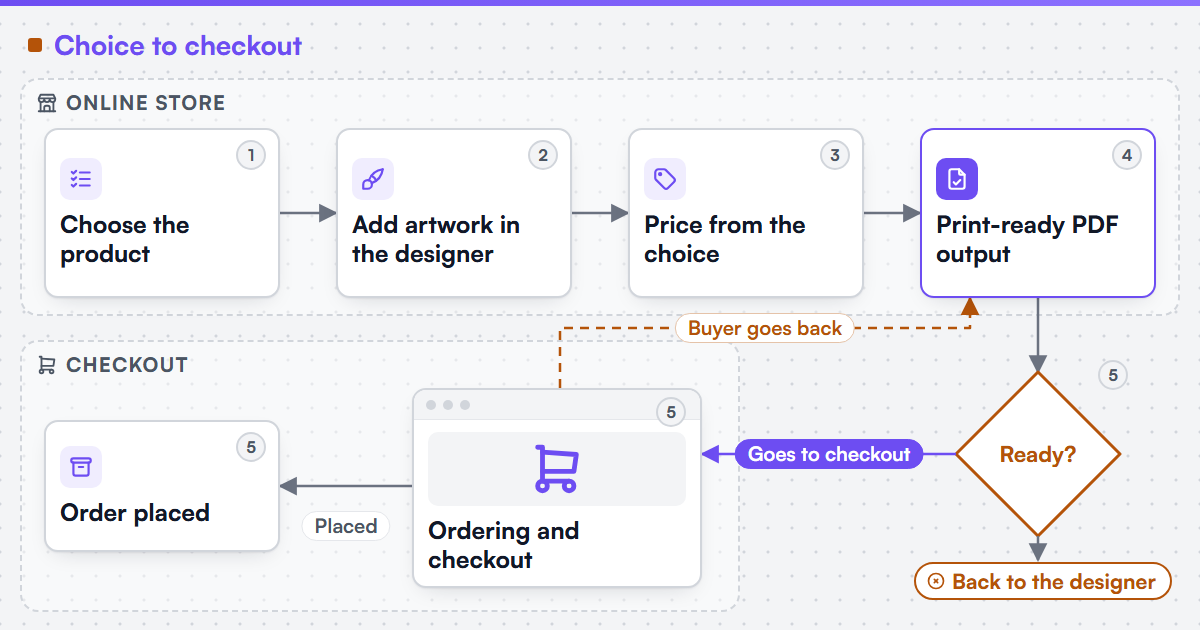
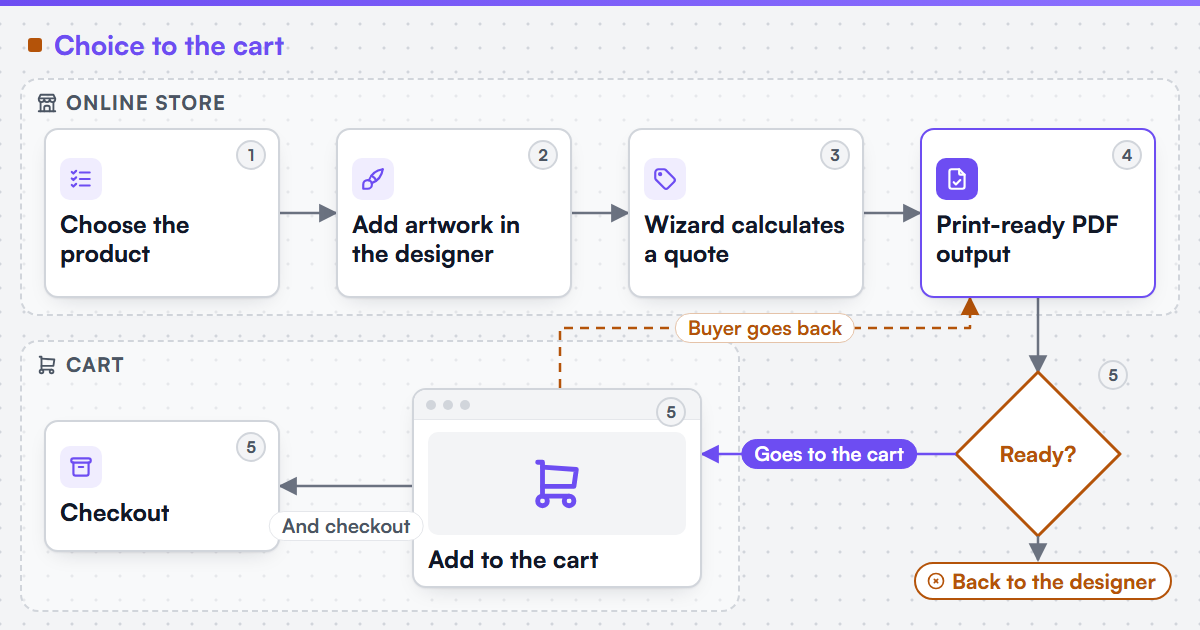
Web-to-print changes the front of that chain for repeat and standard work: business cards, letterheads, flyers, leaflets, booklets and posters that a customer can specify without a conversation. The estimate rules stay the same. What changes is who applies them, and when: the online order has to carry the same specification the estimator would have written, so that prepress and the press room see no difference.
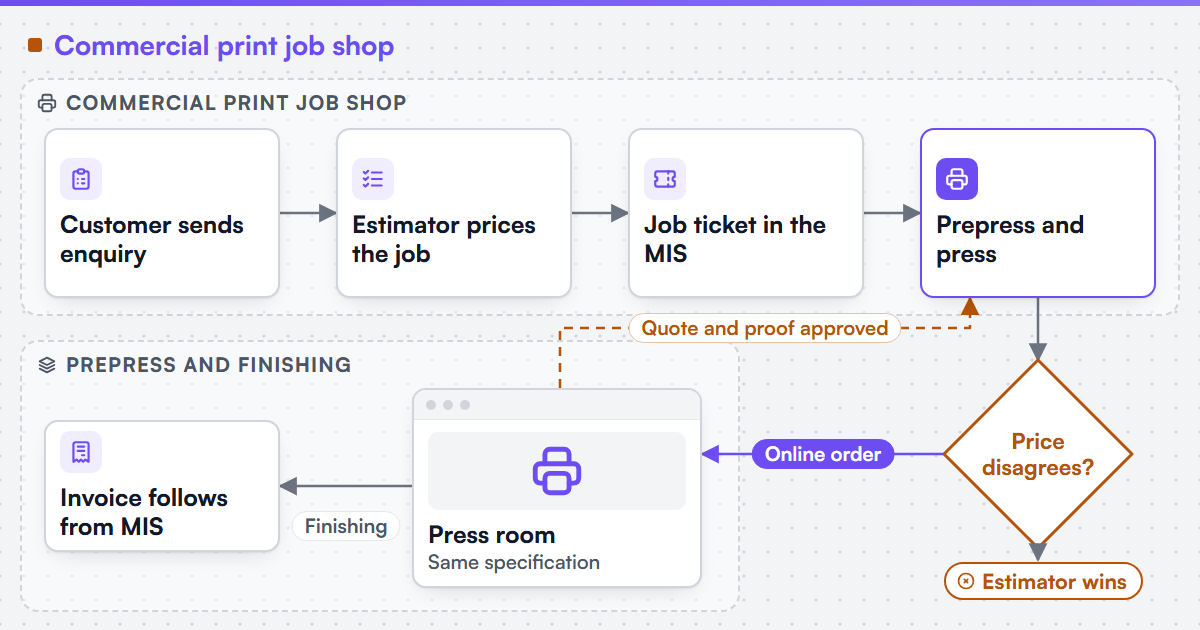 (opens the full-size diagram in a new tab)
Key takeaways
- Web-to-print for a commercial printer only changes the front of the job-shop chain: who applies the estimate rules, and when, not the rules themselves.
- When the online price disagrees with the estimator, the estimator wins and the website loses trust until the rules are reconciled.
- Orders retyped by hand from a storefront email into the MIS is the most common symptom of a missing interface, not a missing estimator.
- Customer files checked at upload, not in prepress, turn missing bleed, RGB images and low resolution into a fixable step instead of rework.
- A packaged web-to-print product that handles most of the catalogue but not one finishing combination or account structure is a scoping problem, not a reason to replace it outright.
Where does the commercial print workflow break?
-
Online price disagrees with the estimate
A fixed price list works for business cards and fails on anything with a real run-length curve, ganging or a finishing sequence; the estimator wins and the website loses trust.
-
Orders retyped into the MIS
The storefront sends an email and someone creates the job ticket by hand - the symptom described in orders retyped into the production system.
-
Customer files arrive unchecked
Missing bleed, RGB images and low-resolution artwork are found in prepress, after the order is paid and the customer has left the page.
-
The packaged product stops at one rule
A web-to-print product handles most of the catalogue, then meets a finishing combination or account structure it cannot express.
Which routes can a commercial printer take?
Web2Print Solutions provides scoped services for new web-to-print setup, upgrades, migration and software integration for media organisations, print businesses and enterprise teams. For a commercial printer the routes usually start with pricing or the MIS connection, because the estimator's time is the constraint.
-
Pricing
We can formalise a print pricing model into an engine the client owns, accepted against a regression suite of the client's own known-good quotes. This is print pricing engine work.
-
MIS integration
We can integrate a web-to-print front end with an existing MIS, ERP or production scheduler where that system exposes a sanctioned interface, scoped in print MIS and ERP integration.
-
Artwork and output
Automated preflight and print-ready output are scoped in print-ready PDF and prepress automation.
Who is this not for?
A printer whose online work is a handful of fixed-price products, with no MIS to connect and no estimate rules online, is usually served well enough by a packaged web-to-print product. Custom engineering pays off when the printer can name the specific rule, interface or approval that the packaged route cannot handle.
Which systems does a commercial printer run?
The typical stack has a print MIS or estimating system that holds customers, price lists and job tickets; a prepress workflow with preflight, imposition and hot folders; press and finishing equipment that may accept JDF job data as defined by CIP4; and a storefront, which may be a packaged web-to-print product, a general ecommerce platform or an MIS vendor's web module. Print-ready output is usually specified against PDF/X-based settings such as those published by the Ghent Workgroup. Where a technical standard is named, it describes the output specification an engagement produces to, not a credential Web2Print Solutions holds.
What evidence exists for commercial print?
Netbase JSC, which operates Web2Print Solutions, has delivered 50+ web-to-print platforms. Several of the live web-to-print store examples are printers selling cards, stationery, signage and stickers; those stores are operated by their owners, and Netbase JSC delivered the web-to-print designer or print-option components they use. They show the customer side, meaning option rules, upload steps and online design, and not the estimate logic or MIS connection behind each store. No commercial-print MIS integration is published as a case on this site.
How does an engagement start?
An engagement starts with the estimator's view of the work. The most useful inputs are ten recent quotes with the specification behind each price, the MIS job ticket fields that must be filled, the prepress preflight profile, and one product the current website prices wrongly. Those inputs show whether the first release is a pricing engine, an MIS connection or an artwork check. Send them with a project brief, leaving out customer names and prices you do not want to share at this stage.
Frequently asked questions
They can for the products whose rules are written down. The pricing engine is accepted against a set of your own known-good quotes, and a product whose price still needs judgement stays on request-a-quote rather than being guessed.
Usually not. If the MIS exposes an interface such as an API, JDF or a monitored import folder, the online order becomes a job ticket there. If it exposes none, that is found in discovery before any build is priced.
They should reduce rework. Files are checked for bleed, colour space and resolution at upload, and prepress receives an output file built to your specification instead of whatever the customer exported.
Imposition templates can be applied automatically for standard products. Ganging across orders depends on your prepress workflow and is scoped with the people who run the press, not assumed.
Client profiles for commercial printers
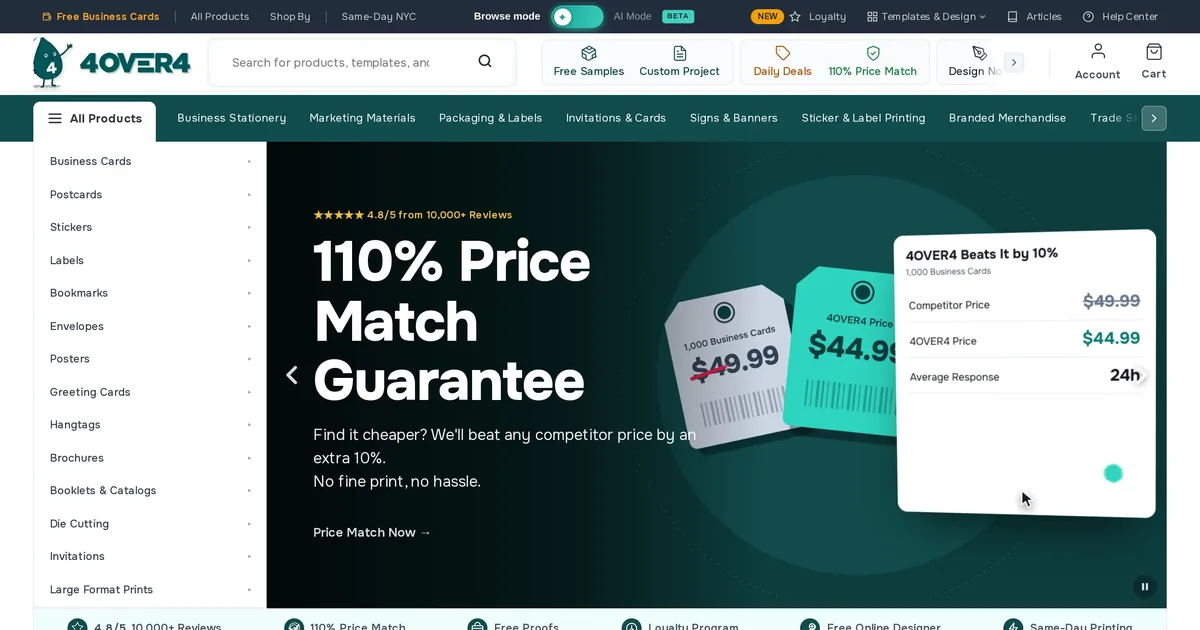
4OVER4 is a commercial print store in United States. It is a live store using web-to-print components delivered by Netbase JSC, checked 2026-10-14. The store is a custom storefront (not identified further), in English. Netbase JSC's project index has no row for it, so this page rests on the client wall and the public store.
Learn More
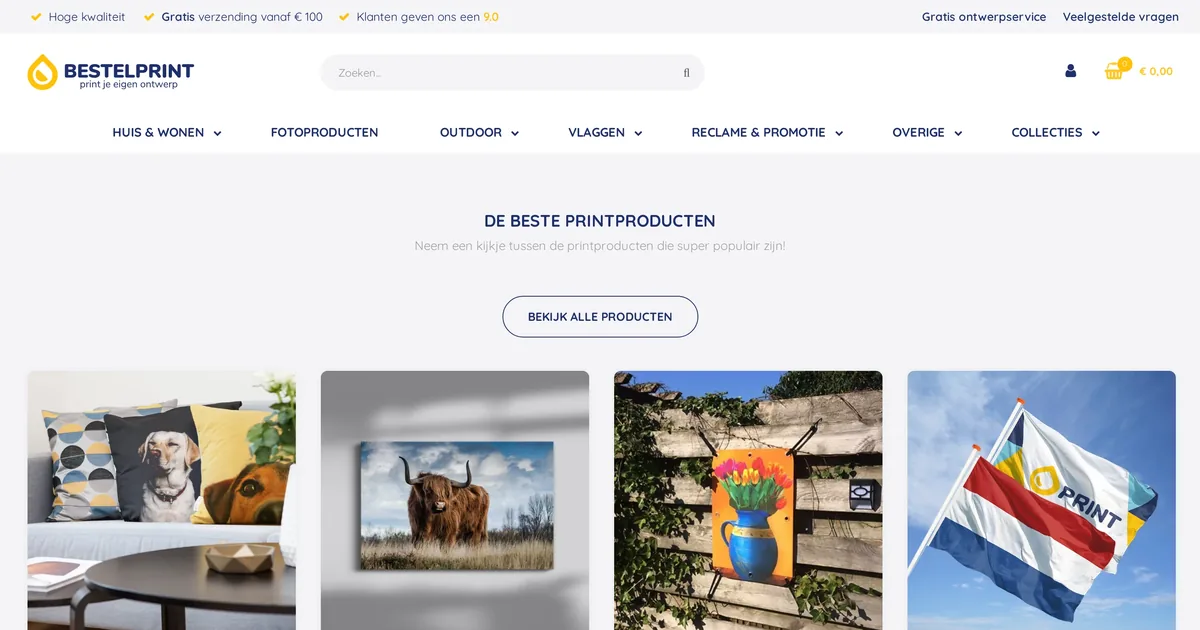
Bestelprint is a photo and wall decoration print store in Netherlands. It is a live store using web-to-print components delivered by Netbase JSC, checked 2026-10-14. The store runs on WooCommerce, in Dutch. Netbase JSC's records hold two project records opened in 2021-12 with no individual tasks recorded.
Learn More
Billy Print is an online print store in China selling generic print products through a WordPress storefront with a browser-based online designer. Netbase JSC's project records hold a custom web-to-print engagement from December 2023 to November 2025, across five milestones. A Cloudflare bot challenge blocked a direct homepage check on 2026-10-10.
Learn More
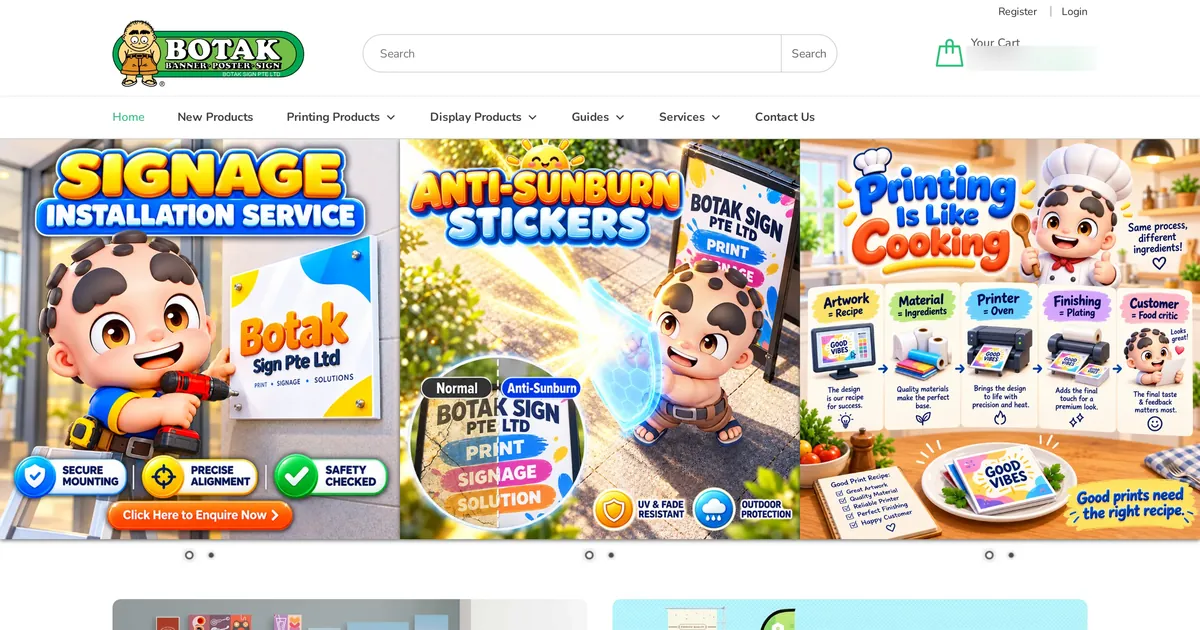
Botak Sign is a Singapore sign, banner and display printer whose WooCommerce store sells several hundred printing and display products online. Customers can upload a full design or design online in the browser, using web-to-print components delivered by Netbase JSC, which also carried out a migration and upgrade project. The store was live on 2026-09-30.
Learn More
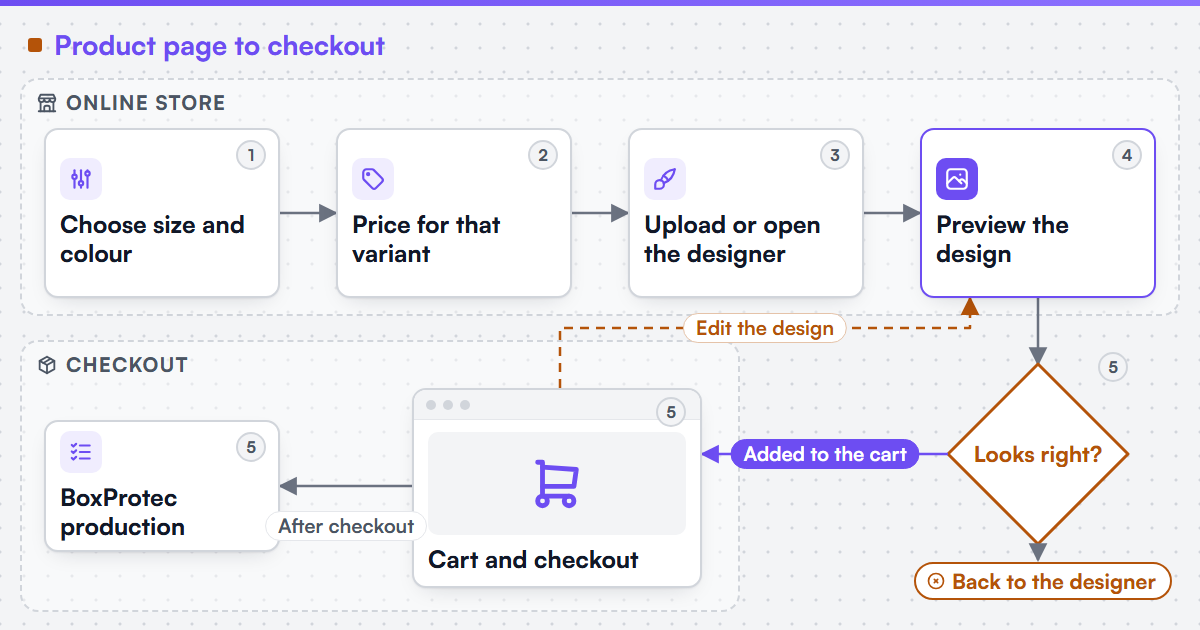
BoxProtec is a French manufacturer and online store selling personalised equestrian equipment: box curtains, signage, embroidered textile and prize-giving plaques, with a product designer and variant-based pricing. Netbase JSC's records hold custom web-to-print work on product preview, pricing logic and the designer, from July 2024 to December 2025. The store was live on 2026-10-07.
Learn More
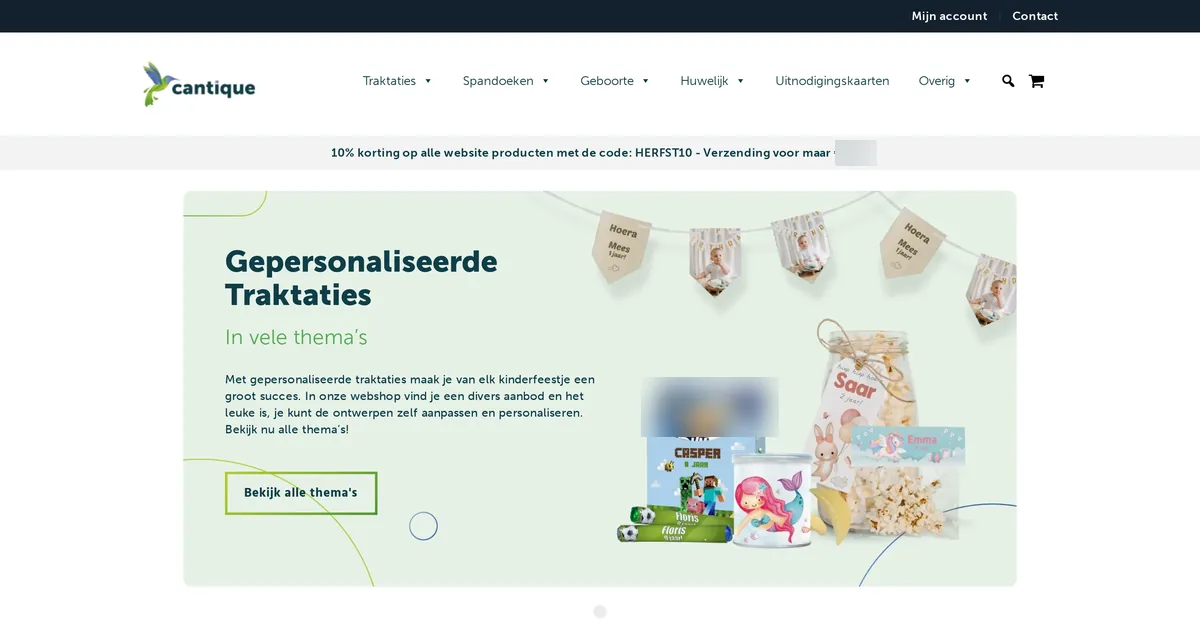
Cantique is a commercial print store in Netherlands. Netbase JSC's project records hold a custom web-to-print engagement for it from 2025-03 to 2026-01, with 12 recorded tasks and 3 milestones. The store runs on WooCommerce and is a live store, checked 2026-10-12.
Learn More

Charming Print is a wedding and stationery print store in Taiwan. It is a live store using web-to-print components delivered by Netbase JSC, checked 2026-10-14. The store runs on WooCommerce, in Traditional Chinese. Netbase JSC's records hold a project record opened in 2021-12 with no individual tasks recorded.
Learn More
INKRE is a Spanish-language online print store in Mexico selling stickers, labels, packaging and general commercial print. Netbase JSC's project records describe a custom web-to-print engagement from November 2021 to March 2025 on an online designer, print-ready PDF output and checkout fixes. Netbase JSC checked the live store on 2026-10-10.
Learn More
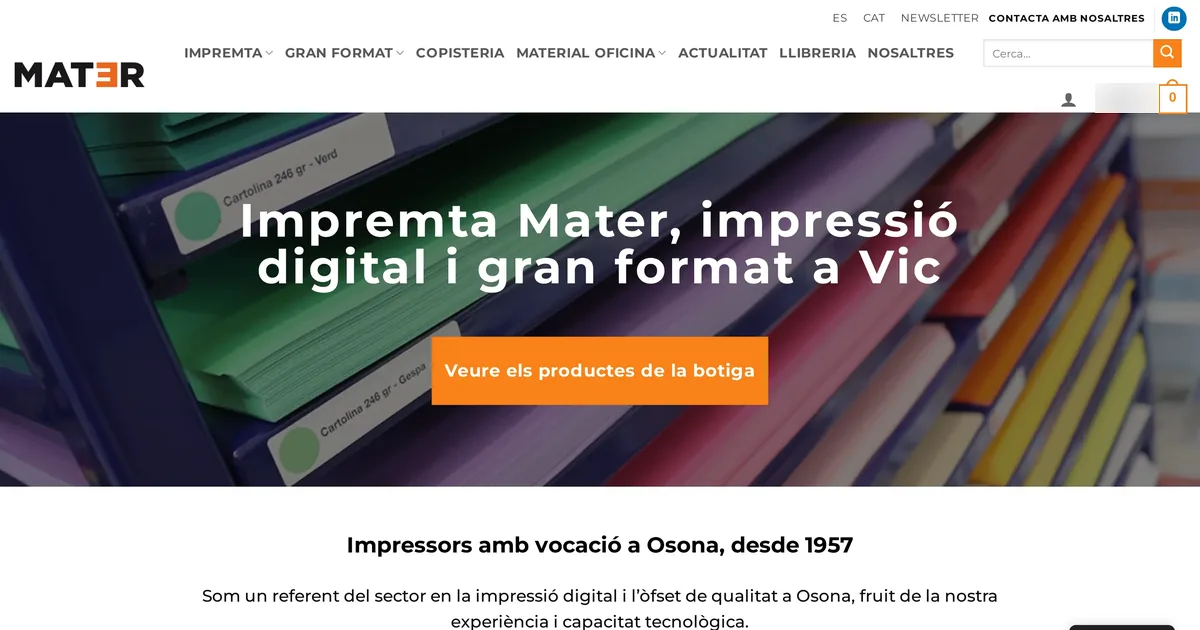
Impremta Mater is a commercial print store in Spain. Netbase JSC's project records hold a custom web-to-print engagement for it from 2023-06 to 2025-11, with 5 recorded tasks and 4 milestones. The store runs on WooCommerce and is a live store, checked 2026-10-12.
Learn More
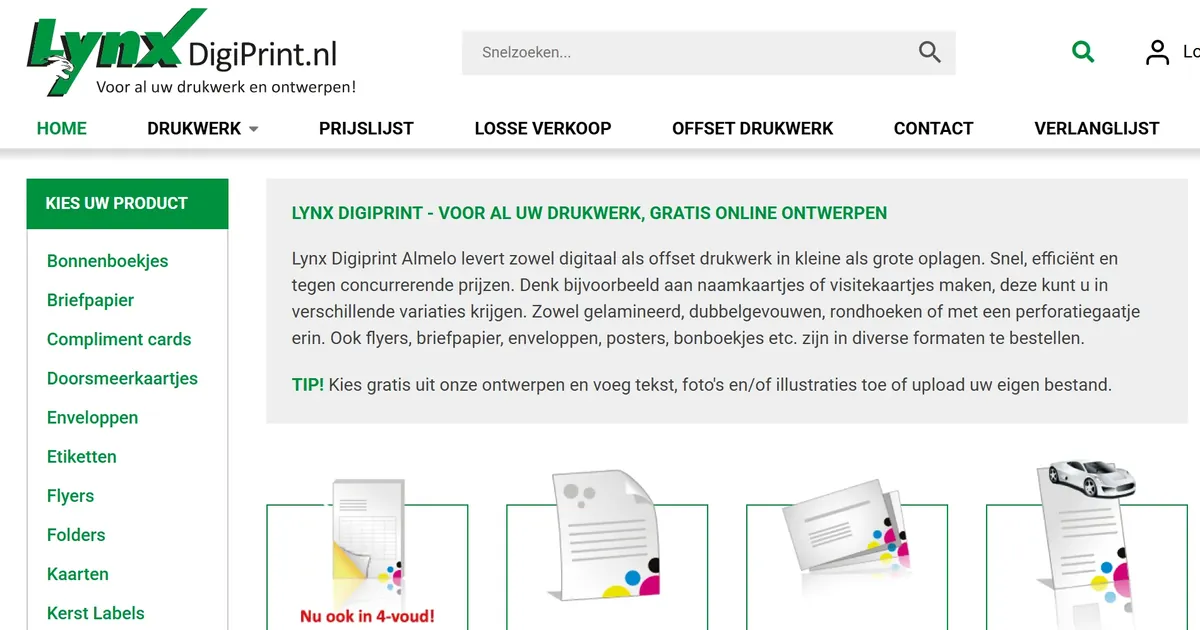
LynxDigiPrint is a print and graphic design studio in Almelo, the Netherlands, whose Dutch-language WooCommerce store sells receipt books, stationery, labels, cards, posters and flyers. Customers can design free online from templates or upload their own file, using web-to-print components delivered by Netbase JSC in a custom project. The store was live on 2026-09-30.
Learn More
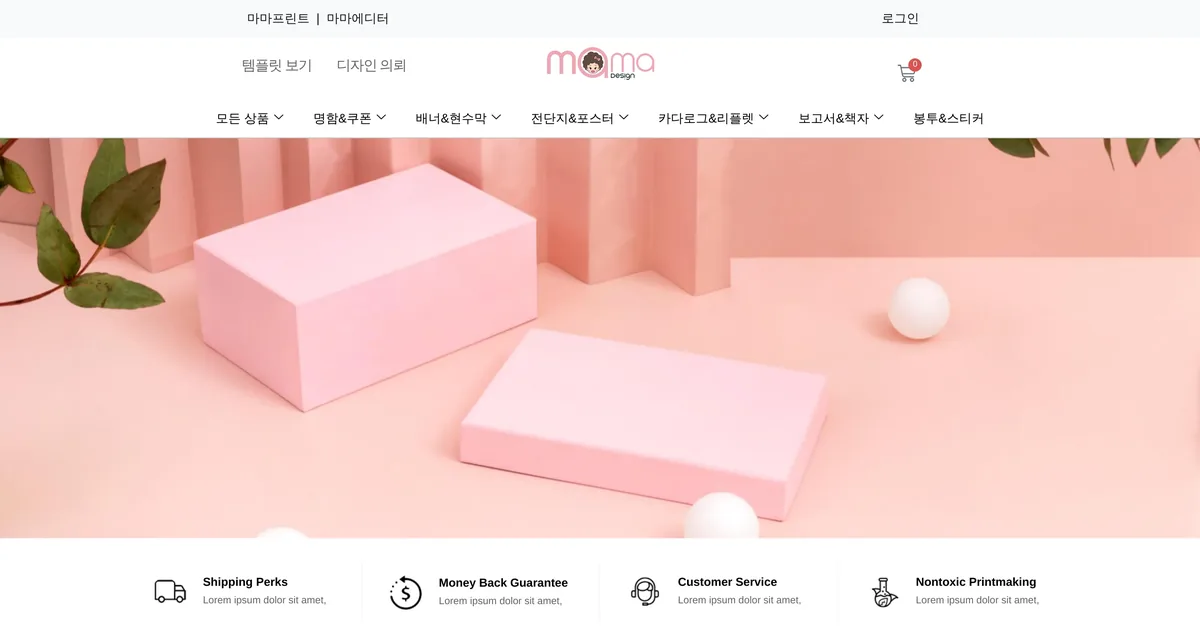
Mama Design is a business card and marketing print store in South Korea. It is a live store using web-to-print components delivered by Netbase JSC, checked 2026-10-14. The store runs on WooCommerce, in Korean. Netbase JSC's records hold two project records opened in 2021-03 and 2023-02 with no individual tasks recorded.
Learn More
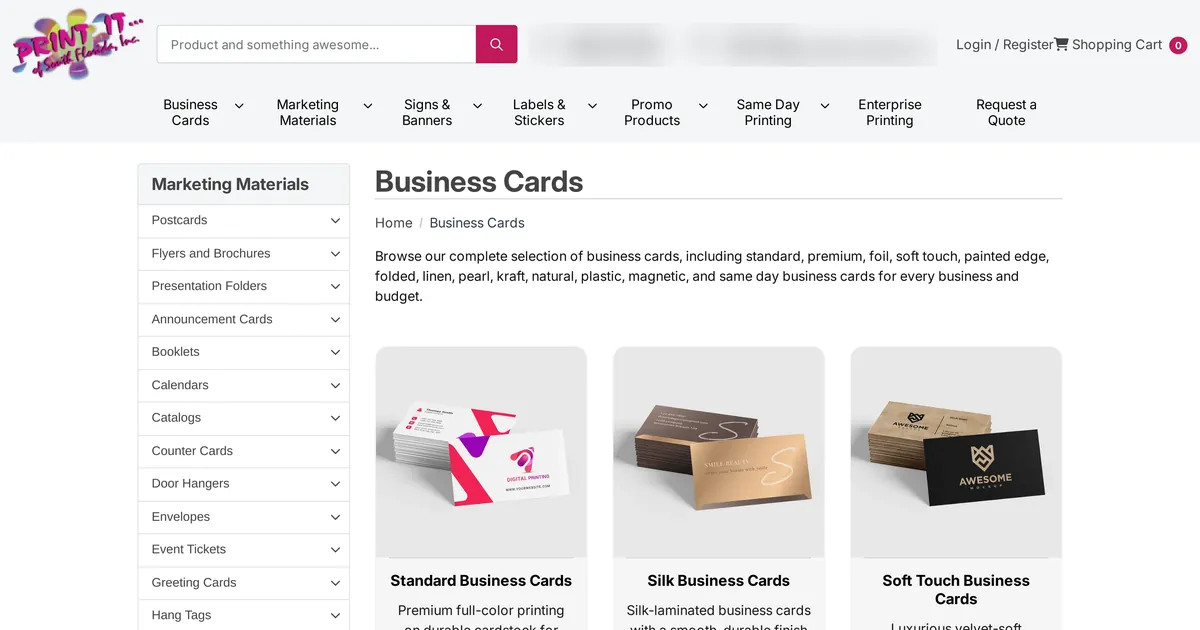
Print It of South Florida is a US commercial printer whose online storefront sells business cards, marketing materials, signs and banners, labels, promotional products and same-day printing. Netbase JSC customised the store's web-to-print ordering for canvas, apparel, signage and promotional products in a custom project. The store was live when checked on 2026-09-30.
Learn More
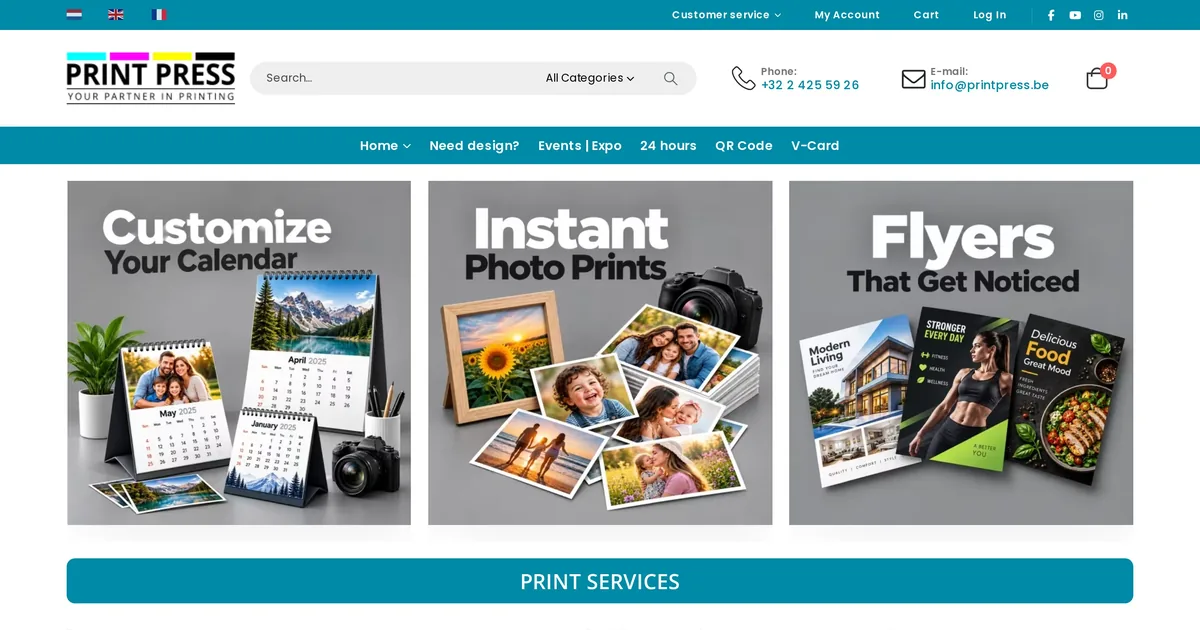
Print Press is a multilingual print store in Belgium. It is a live store using web-to-print components delivered by Netbase JSC, checked 2026-10-14. The store runs on WooCommerce, in Dutch, English and French. Netbase JSC's records hold two project records opened in 2023-02 and 2024-10 with 1 recorded task.
Learn More
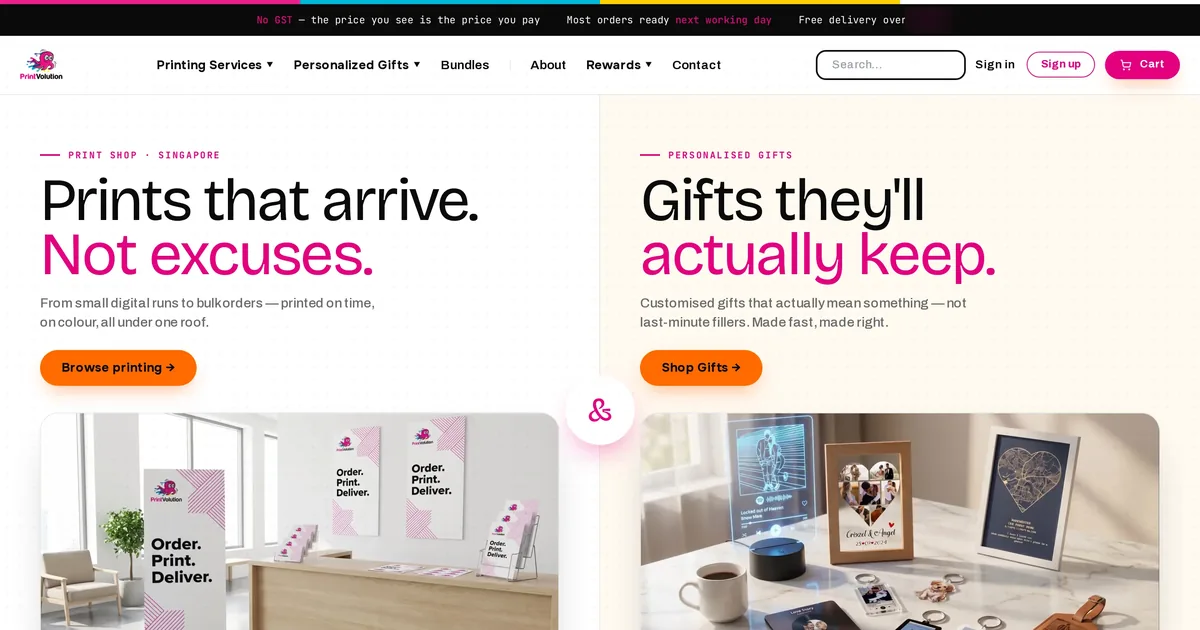
Printvolution is a commercial print store in Singapore. Netbase JSC's project records hold a custom web-to-print engagement for it from 2023-02 to 2025-10, with 14 recorded tasks and 3 milestones. The store runs on a custom storefront and is a live store, checked 2026-10-12.
Learn More
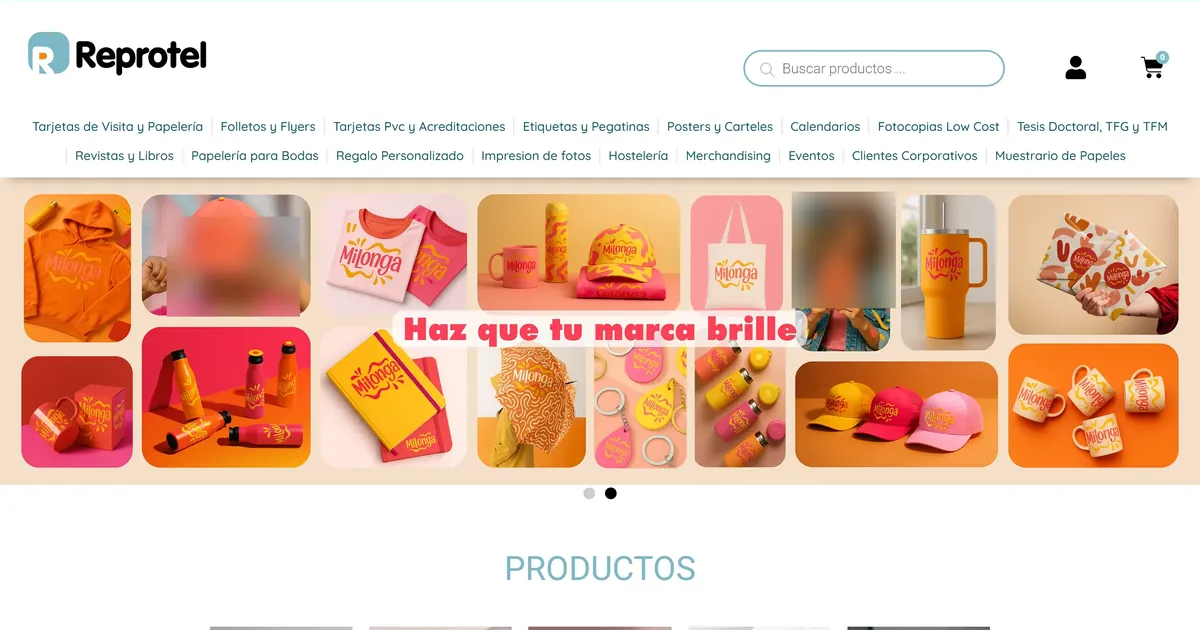
Reprotel is a Madrid print shop selling business cards, stationery, flyers, labels, posters and bound work online in Spanish. Its WooCommerce store lets a customer either upload finished artwork or design online in the browser, using web-to-print components delivered by Netbase JSC. The store was live when checked on 2026-09-30.
Learn More
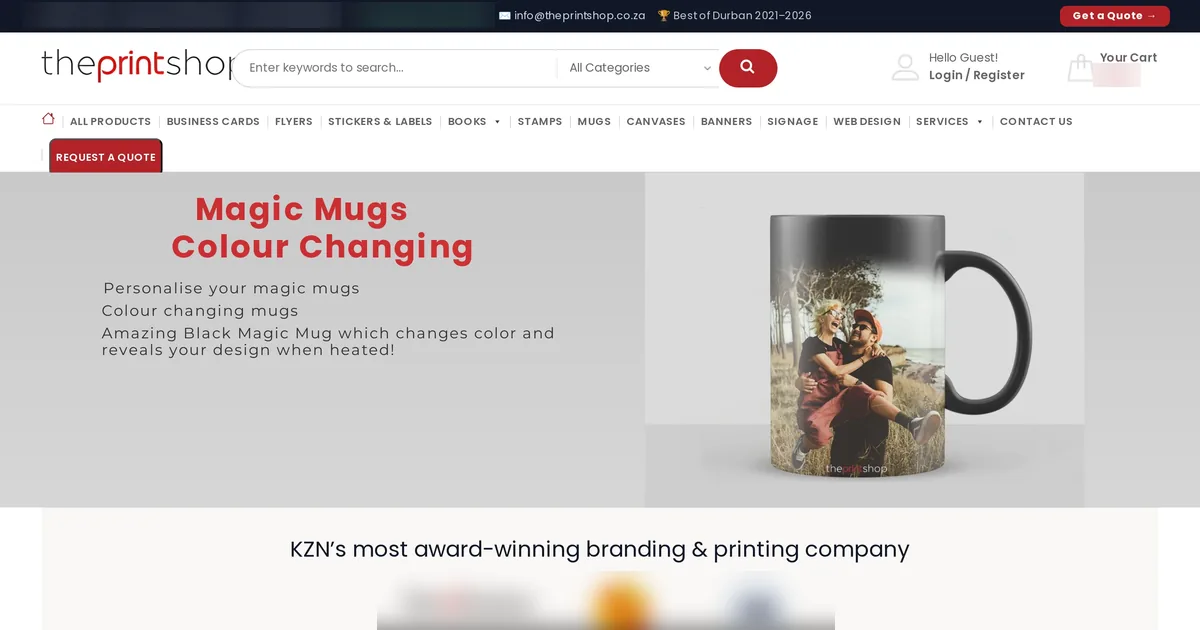
The Print Shop is a commercial print store in South Africa. Netbase JSC's project records hold a custom web-to-print engagement for it from 2021-12 to 2026-06, with 17 recorded tasks and 5 milestones. The store runs on WooCommerce and is a live store, checked 2026-10-12.
Learn More
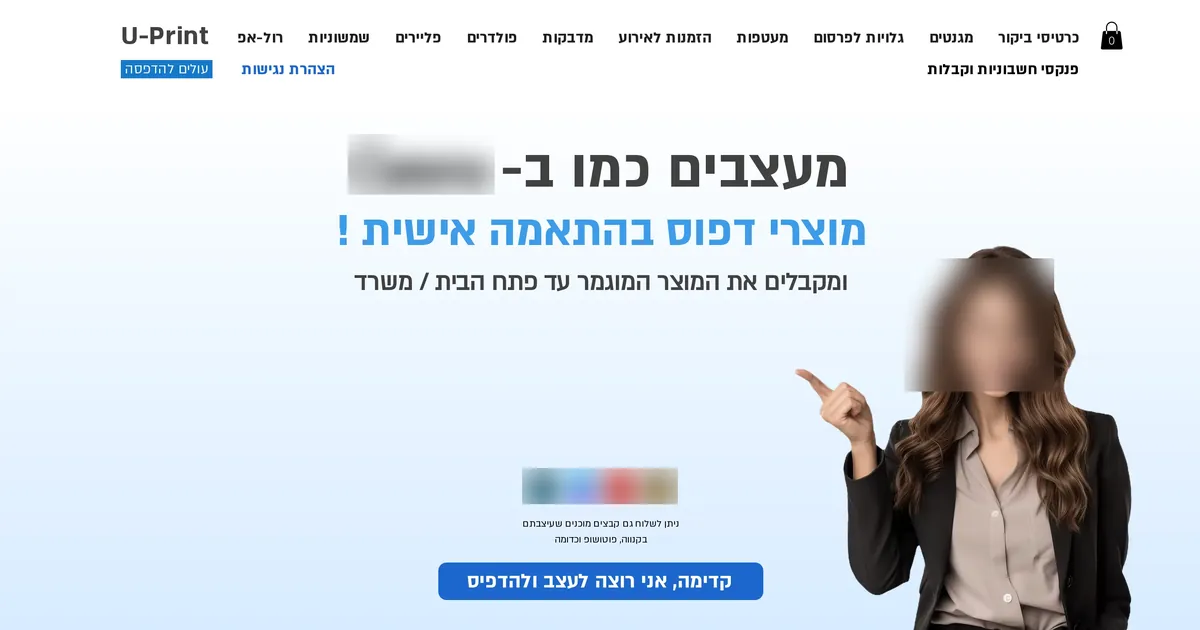
U-Print is an Israeli online printer whose Hebrew-language store, built on Wix, sells business cards, stickers, magnets, flyers, invitations, roll-ups and invoice books. Customers design in a built-in editor or send ready files, using web-to-print components that Netbase JSC set up and customised for the store. The store was live on 2026-09-30.
Learn More
YouPrint is a Singapore digital printing company whose WordPress catalogue covers name cards, banners, signage and stickers, ordered through a quote-request form. Netbase JSC's project records hold a custom web-to-print engagement from October 2021 to November 2022 covering an online designer, checkout and payment features; Netbase JSC checked the live store on 2026-10-12.
Learn More

Leonardo Stampa Digitale is a digital printer in Naples, Italy, selling signage, rigid-board prints, stickers and banners. In December 2023 Netbase JSC designed a proposal to install an online designer on the printer's signage products on its WooCommerce site and fix setup issues. It is a solution design record: the proposal was not built.
Learn More
References (2)
- CIP4, JDF and JMF job and messaging formats for graphic arts workflows, accessed 2026-09-29.
- Ghent Workgroup, GWG specifications: PDF/X-based settings for print and publishing, accessed 2026-09-29.