

Print products
-
Home
-
Print products

Web-to-print engineering by print product
Web2Print Solutions print-product pages describe one product's editor, geometry, preview and print-ready output at a time - a photobook, a canvas print or a t-shirt. Each page owns the product's configurator and file mechanics. The buyer's industry, the underlying pricing engine and the storefront platform are covered on other pages and linked, not repeated.
Reviewed by CEO, Netbase JSC · Updated 1 Oct 2026



A canvas configurator decides what shows on the wrapped edge before the file is built. Web2Print Solutions engineers the gallery wrap, mirror wrap and colour-edge options, the extra canvas each wrap needs from the frame depth, a browser 3D edge preview, and resolution warnings for oversized low-resolution images. Wall art and posters share the same geometry.
Learn More
A photobook editor turns a customer's page count and layout choices into a print-ready book. Web2Print Solutions engineers the page-count steps, a spine width calculated from page count and paper caliper, a cover that wraps around that spine with a hinge, image resolution warnings, and separate book-block and cover PDFs a bindery can produce without manual repair.
Learn More
A t-shirt designer places artwork inside defined print areas per garment and size, then outputs a different file depending on whether the shop prints direct-to-garment, screen, or direct-to-film. Web2Print Solutions engineers the placement rules, the colour-count and file differences between the three methods, the customer mockup, and the print-ready output each method needs.
Learn More
A banner and signage configurator turns a customer's typed width and height into a print-ready job: it works out how many panels a wide-format printer must tile, applies hems, grommets and pole pockets per edge, and adds bleed and finishing marks to every panel a sign shop's production line can run without manual rework.
Learn More

A business card editor for B2B printing locks the template layout while leaving only approved fields, such as a name and title, open to each employee. Web2Print Solutions engineers the double-sided sync, bleed and safe area, spot UV and foil as separate finish layers, and an approval step before a batch reaches print.
Learn More
A photo calendar designer generates a date grid for a chosen start month and length, places each locale's public holidays on the correct day, and pairs every month with a photo slot inside a binding-hole safe zone. Web2Print Solutions engineers the date-grid and locale rules and the print-ready month and cover output a bindery can run.
Learn More
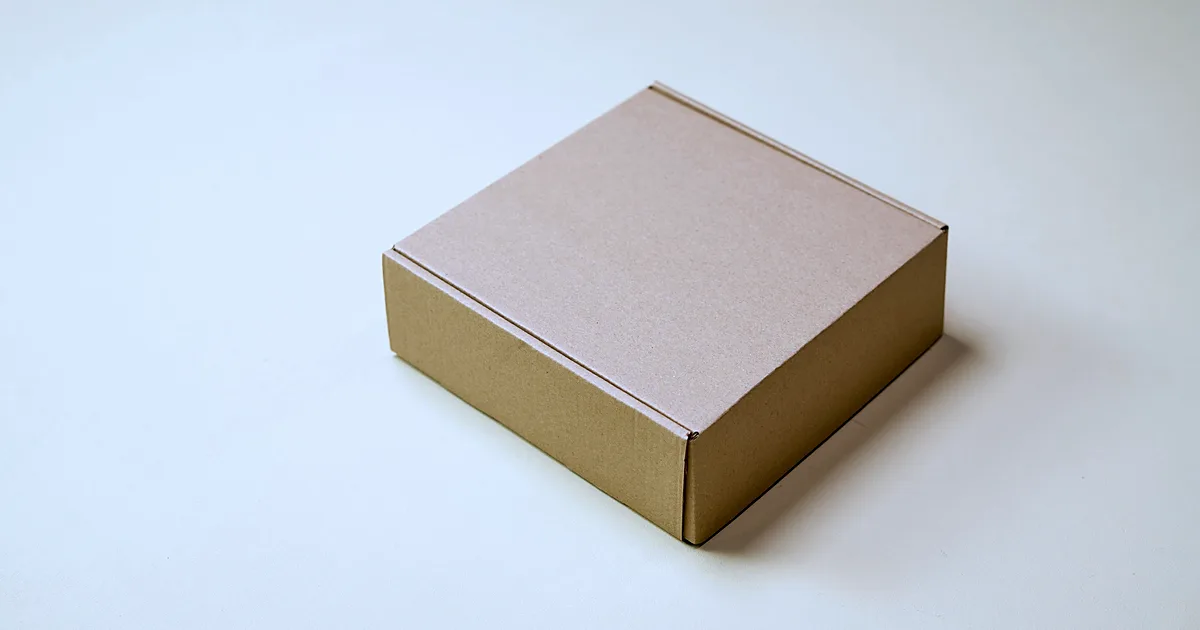
A packaging design tool imports a dieline, maps each flat panel to a face of the folded box, and renders a 3D fold preview before the customer approves. Web2Print Solutions engineers that panel mapping, the substrate choice behind the fold rules, and a print-ready flat file that keeps the structural dieline as a separate, locked layer.
Learn More

A promotional product designer places a customer's artwork inside the imprint area of one item at a time - a mug's wrap, a pen's barrel, a bag's panel - then routes it to the file a decoration method needs: a single-colour vector path for engraving, or a full-colour raster file for print. Each item and method has its own rules.
Learn More
A sticker or label editor turns uploaded artwork or a shape template into a cut path offset from the artwork's edge. Web2Print Solutions engineers that auto-traced contour, the choice between kiss-cut and die-cut, roll or sheet layout, material and finish rules, and a print-ready file that carries a separate named cut layer.
Learn More
What does this section cover?
A buyer researching a print product asks a narrower question than a buyer researching an industry or a symptom. "How do I let a customer build a photobook and get a print-ready cover with the right spine" is a different question from "how does a photo lab take orders" (an industry question) or "our editor exports RGB, not CMYK" (a symptom question). A print-product page owns the first kind: the editor, the product's geometry, the customer-facing preview and the print-ready files that one product needs, for one product at a time.
That keeps this family narrow on purpose. It does not restate a buyer segment's whole workflow - that belongs to web-to-print engineering by industry. It does not restate a pricing or configurator engine's general mechanics - that belongs to the web-to-print engineering services that build them. It does not describe a symptom a business is already living with - that belongs to the solutions family. A print-product page cites those pages by their own primary keyword and links to them, and carries no scope table of its own.
Our engineering focus for this family is print-product-specific editor and ordering engineering: page and spine geometry, wrap and bleed maths, colour and file rules per production method, resolution and print-readiness warnings, and the print-ready output a product's production method requires. We implement and customise proven components for this work rather than building every editor from a blank page, and we say so plainly rather than presenting a generic tool as bespoke. Buyers who want this editor as a subscription feature rather than custom engineering can see it as the online product designer in W2P Solution.
Which print-product pages are published?
Photobook editor and print-ready book output is for a photo lab or commercial printer adding photobooks to its catalogue. It covers page-count steps, spine width calculated from page count and paper caliper, cover wrap and hinge behaviour, layouts and templates, image-resolution warnings, and the separate book-block and cover PDFs a bindery needs.
Canvas prints with 3D edge preview is for a canvas, wall-art or poster printer. It covers gallery wrap, mirror wrap and colour-edge styles, frame depth and the extra canvas a wrap needs, a 3D edge preview in the browser, and the resolution warnings that stop an enlarged low-resolution file reaching production. Wall art and poster printing share the same geometry and are covered on this page rather than split into a second one.
T-shirt and apparel designer is for an apparel decorator or promotional printer. It covers print areas by garment and size, how DTG, screen printing and DTF change the file a customer's design must become, colour count, customer-facing mockups, and the print-ready output each production method needs.
Sticker and label die-cut ordering covers the auto-traced cut path offset from a customer's artwork, kiss cut versus die cut, and roll versus sheet output. Business card editor with locked templates covers a locked template with brand-approved editable fields, a synced double-sided layout, and spot UV or foil as separate finish layers through a B2B approval step. Packaging design with 3D mockup covers importing a dieline, mapping panels to a folded 3D preview, and keeping the structural dieline as a separate layer from the flat print file.
Banner and signage configurator is for a sign shop or wide-format printer, and it covers custom-size tiling into print-ready panels, per-edge finishing choices such as hems, grommets and pole pockets, and bleed and finishing marks on every panel.
Promotional product and gift designer is for a promotional products or gifts printer, and it covers per-item imprint areas on mugs, pens and bags, the wrap-around preview a curved item needs, and routing artwork to a single-colour engraving file or a full-colour print file.
Photo calendar designer is for a photo lab or promotional printer adding calendars, and it covers locale-correct date grids and public holidays, photo slots paired with the grid, and the binding-hole safe zone a print-ready month file must respect.
More print-product pages are added only when a product's editor, geometry or output rules are distinct enough to need their own page rather than a section of an existing one.
How does a print-product page differ from an industry, service or solution page?
| Question | Owned by |
|---|---|
| What is this product's editor, geometry and print-ready output? | A print-product page |
| How does this kind of business take, approve and produce any print job? | An industry page |
| How do I build or commission the configurator, pricing or prepress engine behind any product? | A service page |
| What breaks when an editor, price or file is already wrong? | A solution page |
A photo lab reads the photobook page for the product mechanics and its industry page or a future photo-products page for how orders and approvals move through the business; the two are not merged, because merging them would repeat one or the other inaccurately.
What does a print-product page claim, and what does it not?
Reusable group components include a photobook engine with spine and cover-wrap geometry, a canvas designer with wrap settings and 3D edge preview, a garment designer with print-area placement, and 2D/3D/360 product previews; an engagement may reuse them under their own licence terms. Netbase JSC maintains reusable web-to-print components, and an engagement may reuse them under their own licence terms; this family names the geometry and file rules those components apply, not a packaged product for sale. Web2Print Solutions is the web-to-print engineering service of Netbase JSC. Delivery records cited on this site belong to Netbase JSC; where no delivered example of a capability is published, the page says so rather than implying a record.
What should you do next?
Read the page for your product, then describe your catalogue in a project brief: which products you sell today, which production method each one uses, and where your current editor or file handoff breaks down. That description decides which product page and which engineering service apply first.