Try the W2P Solution live demo before you commit
A W2P Solution demo lets you see the platform before you subscribe, in two ways. The live demo store is self-serve: sign up with a work email and explore a sample print storefront and a read-only back office. A guided demo is a live call in which a specialist walks through your edition. Neither needs a payment card.
Try the live demo Request a quoteReviewed by CEO, Netbase JSC · Published 20 Oct 2026 · Updated 3 Nov 2026

What is the W2P Solution live demo?
The live demo is a working sample print store you can open yourself, at any time, without booking a call. Sign up for the live demo with a work email, confirm it from your inbox, and you can browse the storefront as a buyer and log in to its back office. It is the quickest web to print software demo there is, and the fastest way to judge W2P Solution, the white-label web-to-print platform, before you talk to anyone.
What can you see in the demo store?
-
The storefront a buyer sees
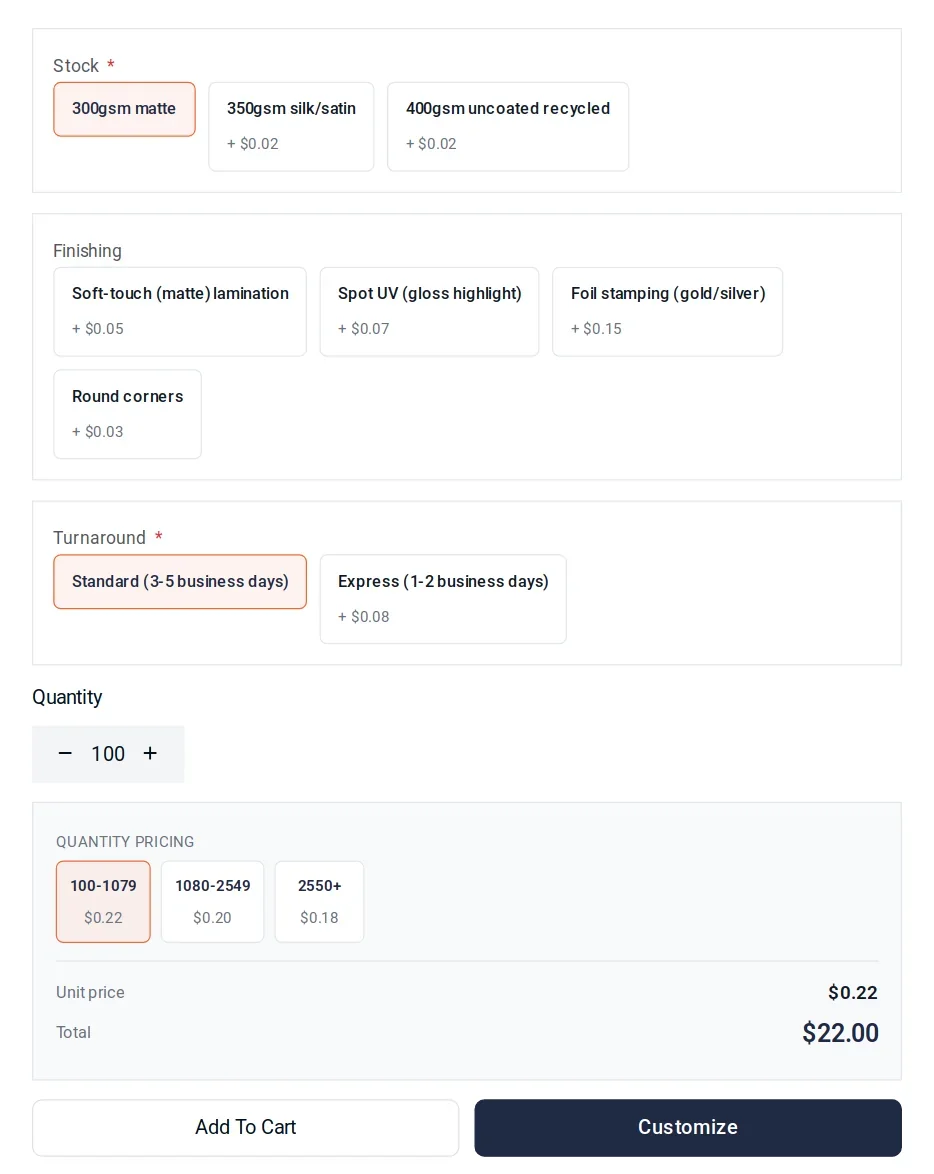
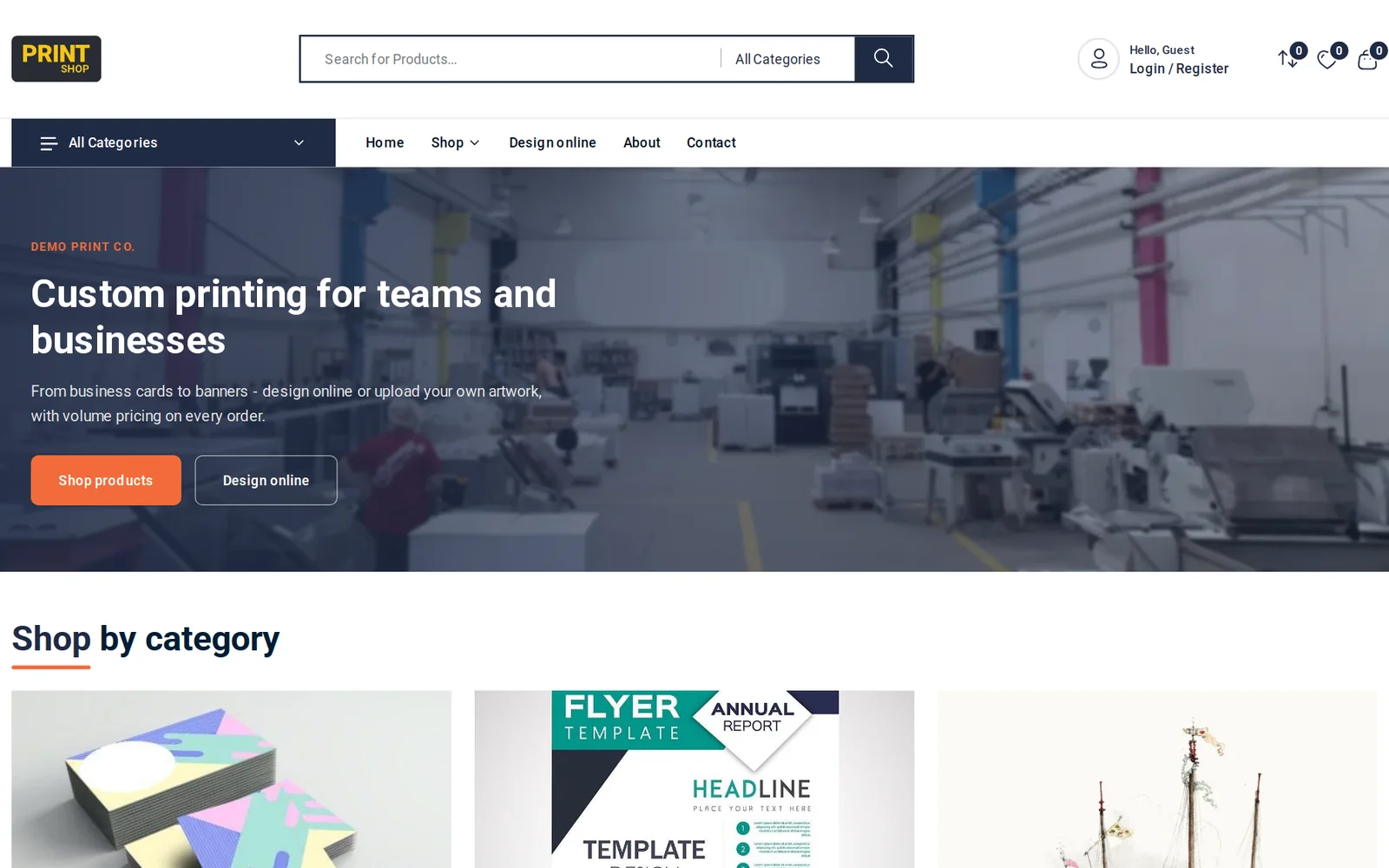
Product categories, product pages with print options, prices that update as options change, the cart and checkout.
-
The back office behind it
The dashboard and the lists a store owner works from: the product catalogue, orders across production states, and customers.
-
Sample data, not a blank store
The demo store, Demo Print Co., is filled with sample products and orders so the lists you browse have something to show.
What can you not do in the demo?
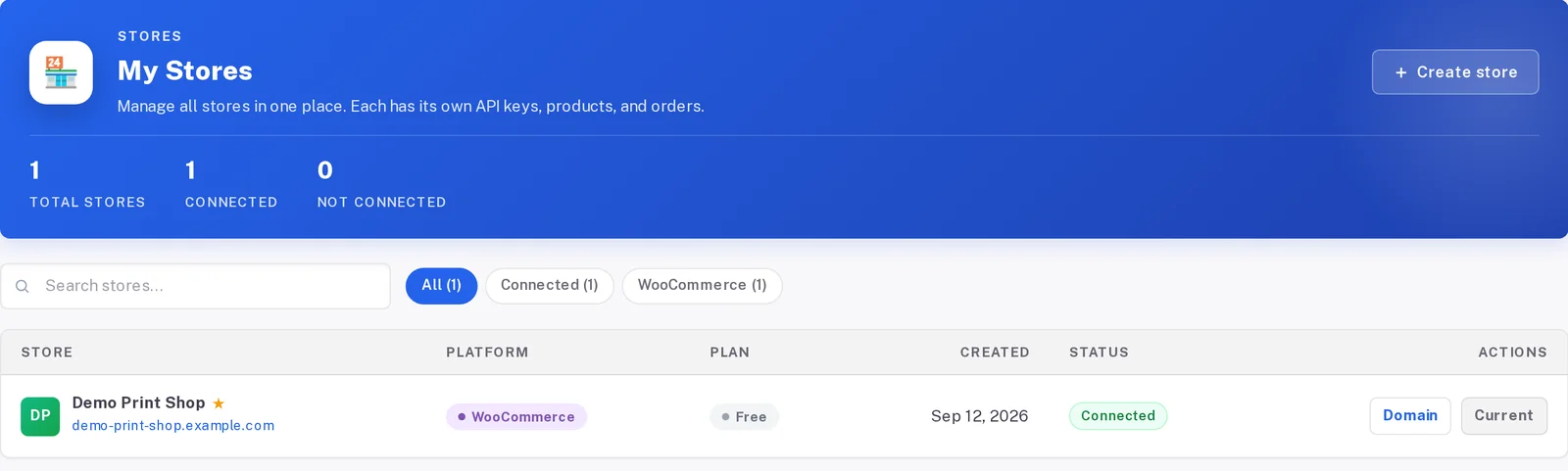
The back-office login is read-only: you can browse the dashboard and the product, order and customer lists, but saving, changing, deleting and exports are blocked, so nothing you do affects the store or other visitors. The demo data resets every night. Edition-specific workflows you want to see in depth, such as an approval chain in B2B Procurement or vendor routing in the Marketplace edition, are best shown on a guided call.
How do you sign up for the live demo?
- Open the live demo sign-up and enter your name, work email and company.
- Open the confirmation email and follow its link.
- You land in the back office of the demo store with a read-only login; the storefront is one click away.
No payment card is requested, and signing up does not commit you to anything.
When is a guided demo the better choice?
Choose a guided demo when you want a specialist to answer questions about your own catalogue and pricing, or to compare editions. A specialist walks through the edition you are considering: Retail, B2B Procurement or Marketplace. Book it through a short project brief that captures your company, the edition, your current platform and your timing.
| Question | Live demo store | Guided demo call |
|---|---|---|
| How do you start? | Self-serve sign-up with a work email | A short request form, then a scheduled call |
| What do you see? | A sample storefront and a read-only back office | The edition you choose, shown by a specialist |
| Can it use your own catalogue? | No, it runs on sample data | Yes, the call is built around your questions |
| Does it need a payment card? | No | No |
Why a demo instead of a test store?
The Netbase JSC team sets up every W2P Solution store: it is handed over within 7 business days, with set-up products added in batches of up to 10 and two revision rounds per batch. A store is built for you, not opened empty for you to configure, so the live demo and the guided call are how you evaluate the platform before requesting a quote. What comes with each edition and how a quote is scoped are on the W2P Solution pricing page.
What happens after the demo?
If the edition fits, you send a project brief naming it, a specialist scopes a quote on a call, and you receive a written quote to accept. The Netbase JSC team then sets up your store. Netbase JSC Cloud, an enterprise arrangement or on-premise delivery are scoped the same way. Nothing is automatic: you decide, or take more time.
Frequently asked questions
Does trying the live demo commit me to anything?
No. Signing up gives you a read-only login to a sample store; subscribing is a separate decision you make afterwards if you choose to.
Can I change products or settings in the demo back office?
No. You can browse it, but saving, changing, deleting and exports are blocked, and the demo data resets every night.
Can I see more than one edition?
On a guided demo, yes: say so on the request form and the call can cover the comparison directly.
Is the demo store my future store?
No. It is a shared sample store. Your own store is set up by the Netbase JSC team after you subscribe, with your catalogue and your brand.
How do I contact Web2Print Solutions after trying the demo or request a consultation?
Send a project brief naming the edition you tried, or see /contact for every way to reach the team. A senior engineer reads every brief.
References (1)
- Live demo store, sign-up flow checked 2026-10-26.
Related
-
 W2P Solution
Run W2P Solution on your own servers
-
 W2P Solution
 pricing: request a quote
-
 W2P Solution
 Marketplace: route print orders to many vendors on one platform
-
 W2P Solution
 Retail: a branded print store, priced by quote
-
 Service
Multi-tenant and white-label print platforms
-
 Headless versus monolithic print storefront
 Hong Kong
