

Print software shaped around your operation
Since
+Custom projects
For commercial, trade and online printers that have outgrown a plugin or a packaged store.
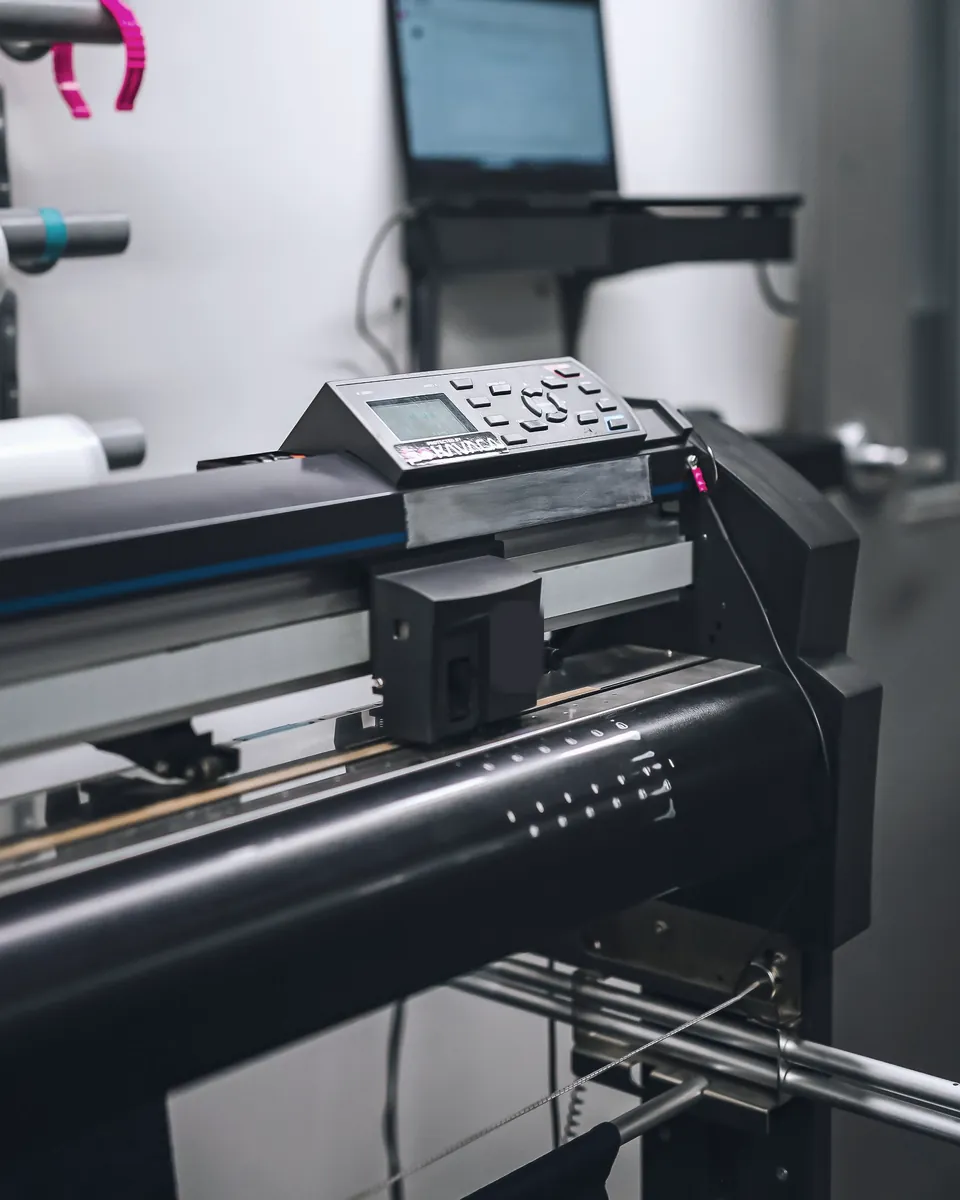
Bring product rules, print pricing, artwork checks and order handoff onto one platform, built on Laravel and its own print API.
-
Print pricing and product rules
-
Online design and print-ready files
-
API automation to production


For organisations coordinating print orders across teams, brands and locations.
Define ordering permissions, templates, approvals and backend handoffs around existing business systems.
-
Ordering permissions and approvals
-
Brand templates across locations
-
Handoff to existing business systems
Discover the requirements, implement the agreed scope, then operate and improve.
Web2Print Solutions is operated by Netbase JSC in Hanoi, Vietnam. Project responsibilities and acceptance are agreed during discovery.
-
Discovery: scope and acceptance agreed
-
Implementation tested on real orders
-
Operation: monitoring and support

Netbase JSC, which operates Web2Print Solutions, has delivered 500+ custom web-to-print projects for 350+ client businesses in 80+ countries, as of October 2026. Across the Netbase group, 2,000+ stores run on its web-to-print platform. Subscribe to W2P Solution, the ready-built web-to-print software from Netbase JSC, priced by quote per edition, or compare it with a custom build before you decide.

 Web-to-print architecture and discovery
Web-to-print architecture discovery is a paid, fixed-scope engagement that turns an uncertain platform plan into a written print platform architecture. Web2Print Solutions maps product and pricing rules, print output, existing systems and the order path, then delivers a data model, integration inventory, risk register and phased plan that another supplier could execute.
Learn More
 New web-to-print platform implementation
Custom print platform development builds a new web-to-print platform from an approved specification and takes it to launch. Web2Print Solutions assembles the storefront, product rules, pricing, online designer, print-ready output and production handoff, tests them against the buyer's real products and orders, and launches only after the agreed acceptance cases pass.
Learn More
 Web-to-print migration and rescue
A print platform migration starts with an independent assessment of the existing web-to-print code, data, interfaces and live order path. Web2Print Solutions reports whether to complete, replace, migrate or stop, and if migration is justified, delivers field mapping, parity tests on real orders, a cutover plan and a rollback point before production traffic moves.
Learn More
Plan the whole print workflow
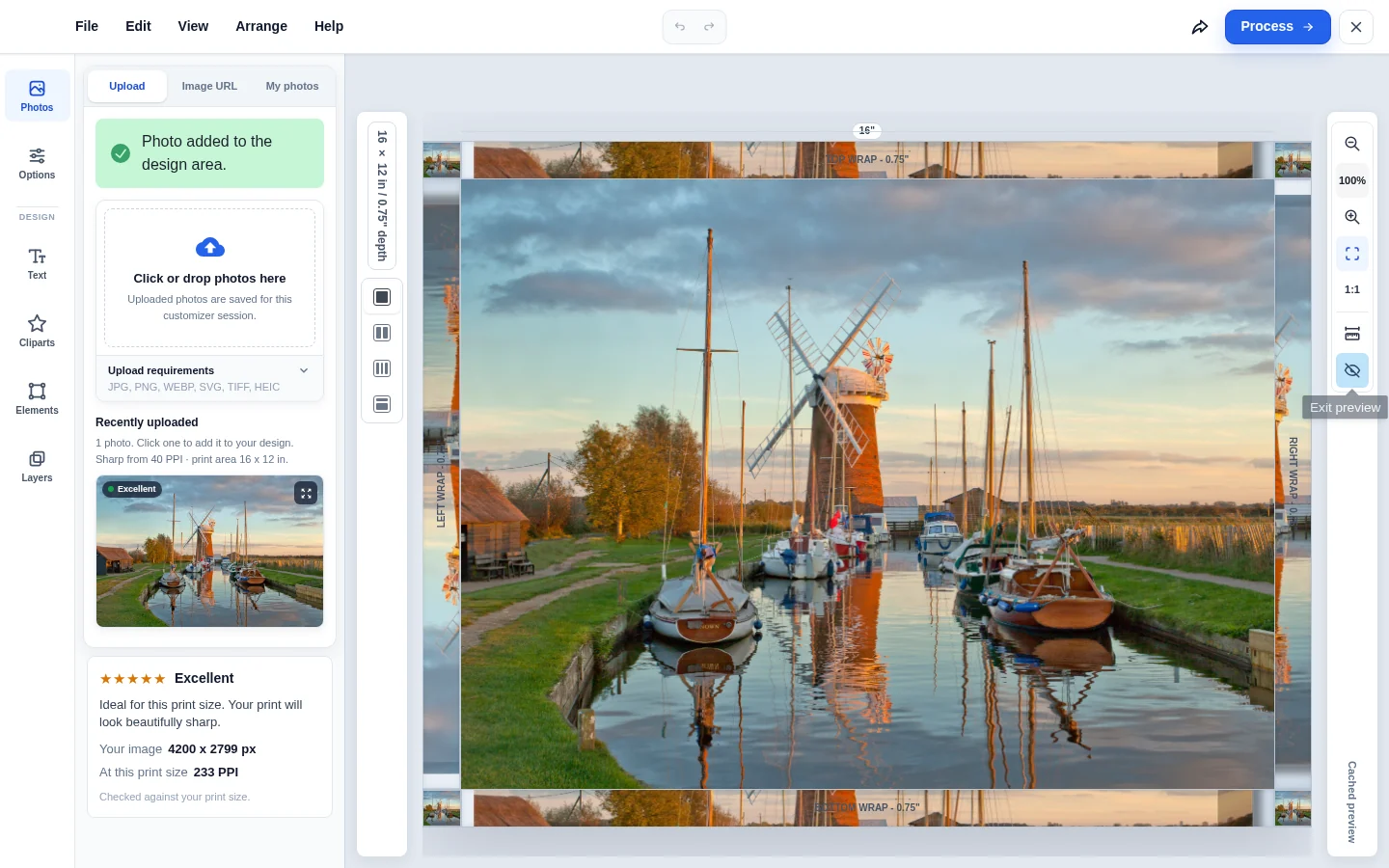
Start with a production workflow
Define product options, pricing, artwork and order handoff before selecting a build scope.
Use a representative product and its exceptions.
Approve a test order and the required production files.
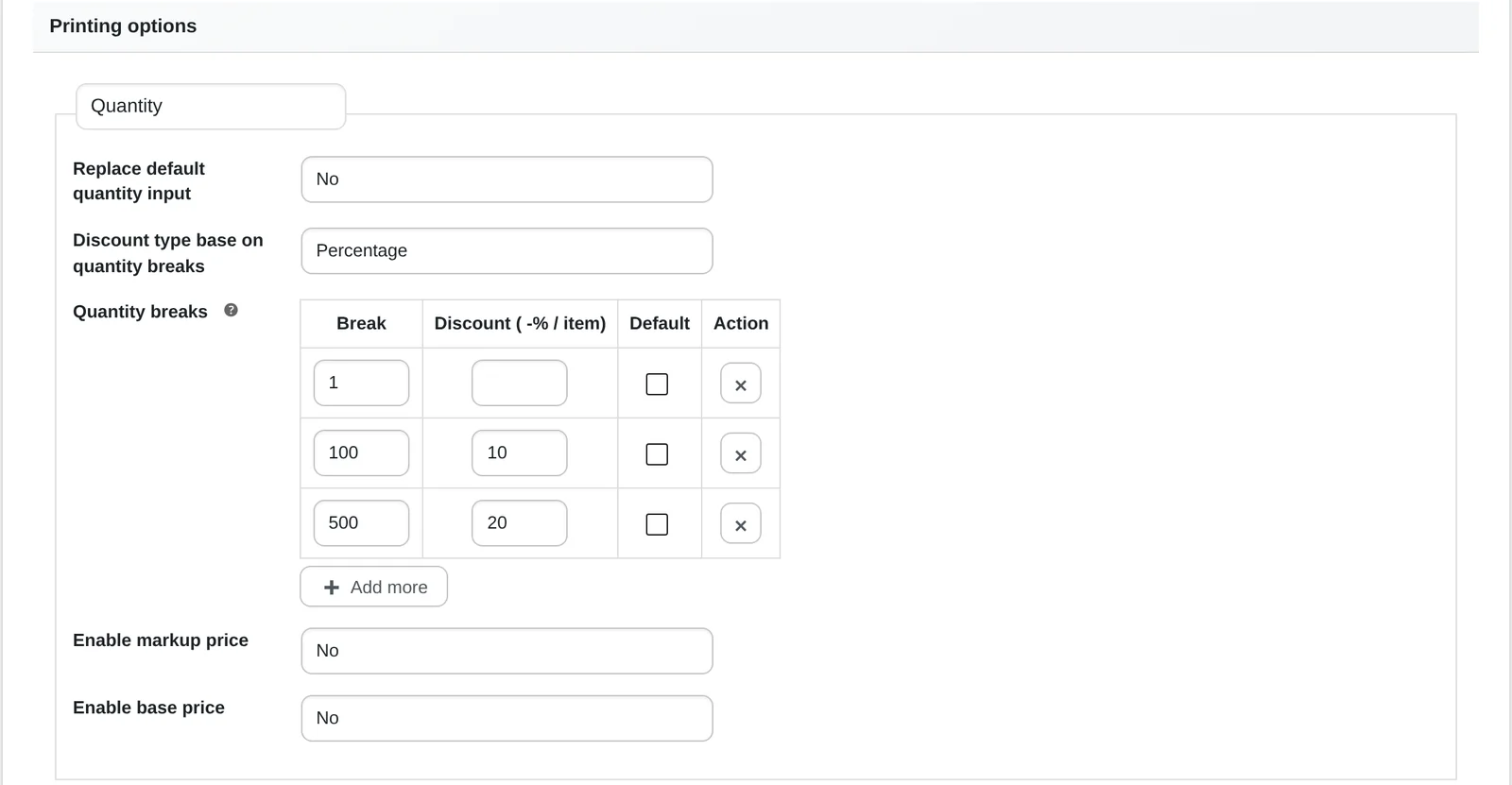
Move without losing the operating rules
Map existing products, customer accounts, redirects and integrations before planning a staged cutover.
Record what the current platform actually owns.
Test imports, reconciliation and rollback before launch.
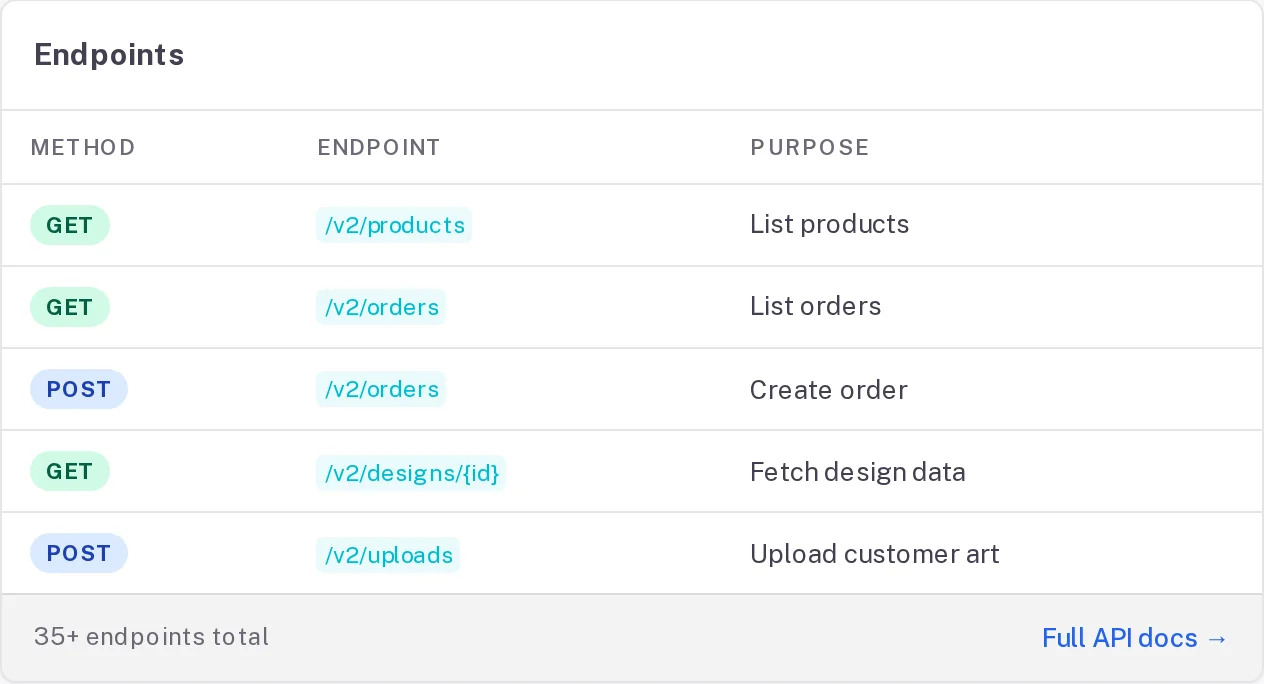
Connect the order to the production job
Assess MIS, print ERP and cloud API access, then agree data ownership, retries and reconciliation.
Choose the authoritative system for each record.
Make failed syncs visible and recoverable.
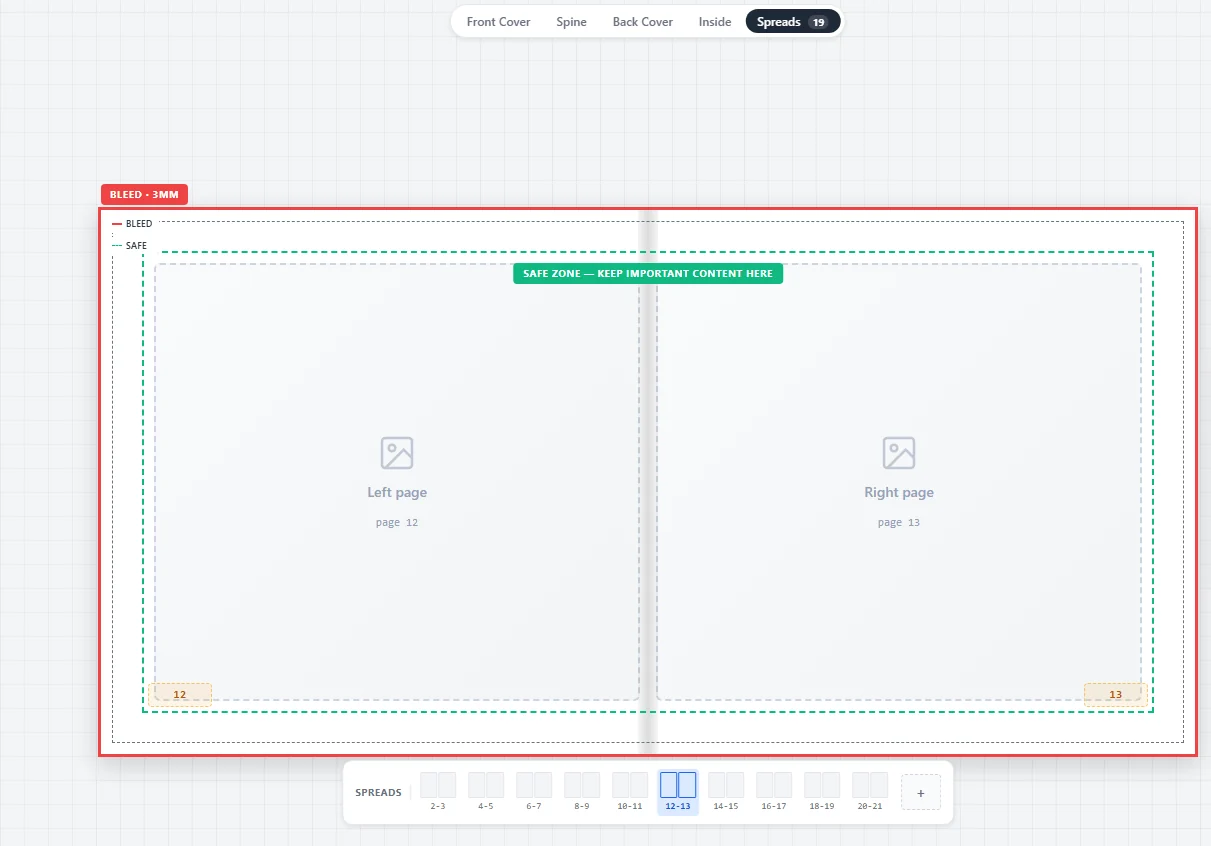
Support editorial and print-media production
Scope brand-controlled templates, campaign assets, photobooks and artwork approval around the people using them.
Map publishers, agencies, operators and approvers.
Review file quality with the production team.
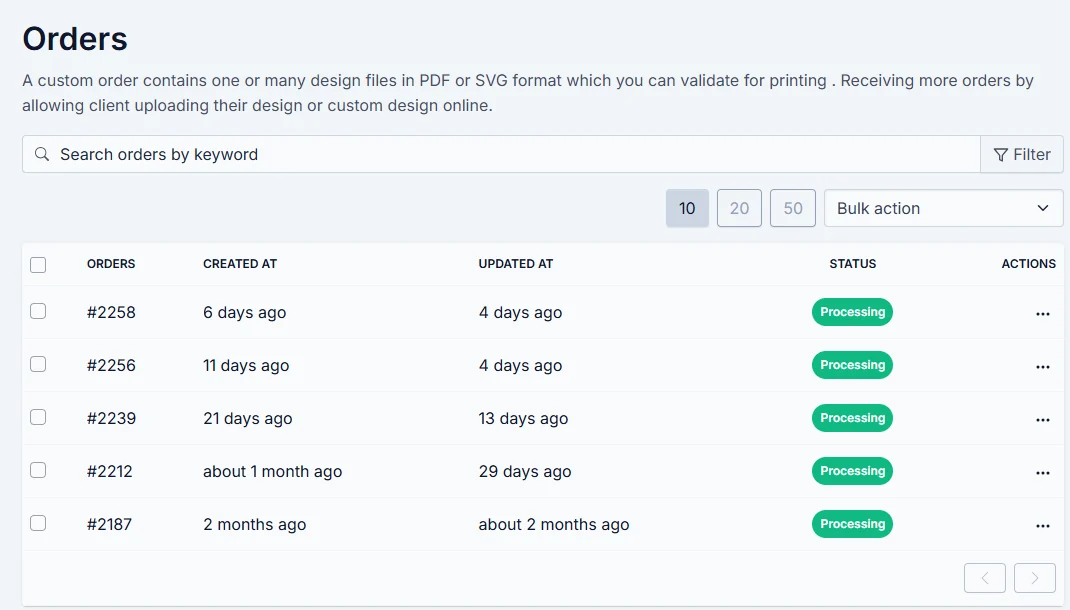
Make business ordering fit your organisation
Assess account structures, permissions, approval steps, purchase orders and reordering against existing systems.
Clarify who can order, approve and manage accounts.
Connect an approved request to its fulfilment record.
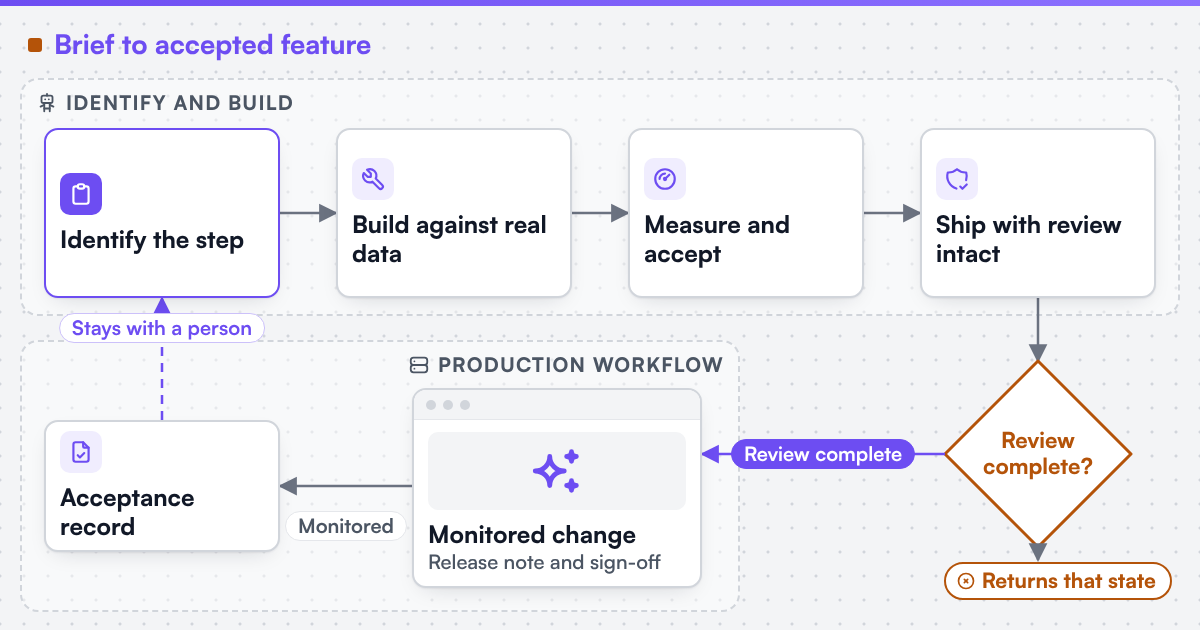
Improve the workflow after launch
Agree software maintenance and monitoring. Evaluate AI on a bounded task with review, privacy and fallback requirements.
Define support coverage and recovery procedures.
Measure one useful task before expanding automation.
The people who build your store
Senior engineers in Hanoi. One accountable lead stays with your project from scope to launch.
-
 Nguyen Quang Huy
CEO
Leads Netbase JSC and its web-to-print engineering team.
Leadership
Web-to-print strategy
Nguyen Quang Huy
CEO
Leads Netbase JSC and its web-to-print engineering team.
Leadership
Web-to-print strategy
-
 Vo Tuan Vu
Platform Developer
Builds and runs the platform layer behind client stores.
Platform development
Operations
Vo Tuan Vu
Platform Developer
Builds and runs the platform layer behind client stores.
Platform development
Operations
-
 Nguyen Ngoc Huy
Fullstack Developer
Works across storefront and back end, from designer to order handoff.
Full-stack development
Production
Nguyen Ngoc Huy
Fullstack Developer
Works across storefront and back end, from designer to order handoff.
Full-stack development
Production
-
 Vu Duy The
Fullstack Developer
Builds storefront features and the integrations behind them.
Full-stack development
Integrations
Vu Duy The
Fullstack Developer
Builds storefront features and the integrations behind them.
Full-stack development
Integrations
Built on the platforms you already run
We build web-to-print stores on these platforms and on fully custom stacks.
Explore integrations





Clients we have built for
Print businesses in 80+ countries run stores we built or extended.











-
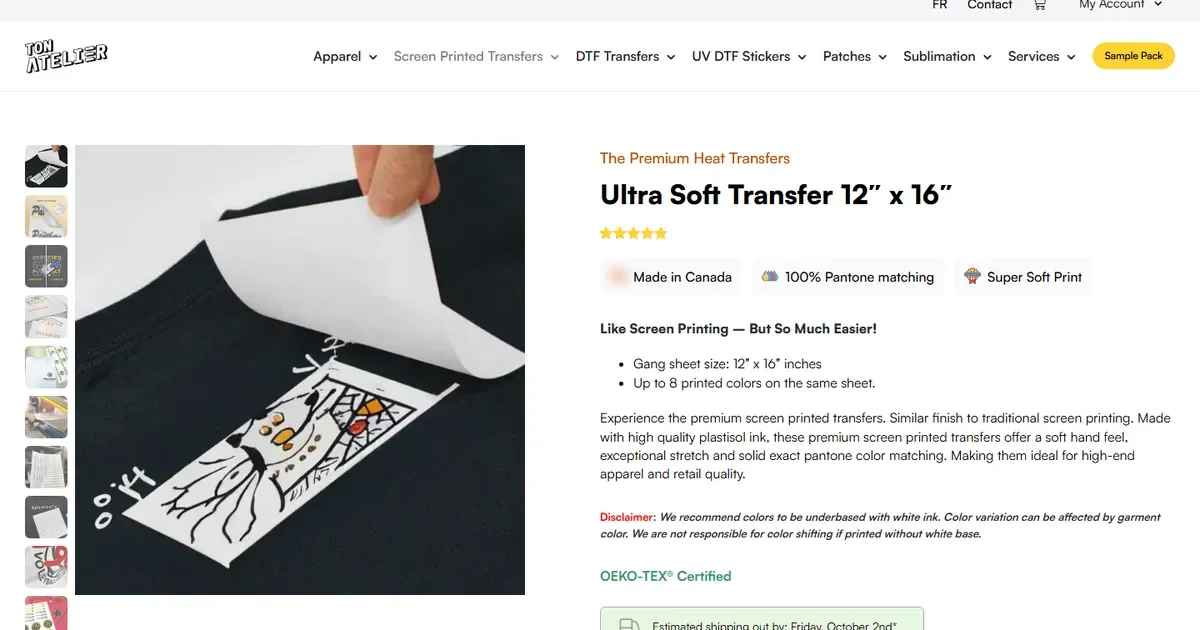
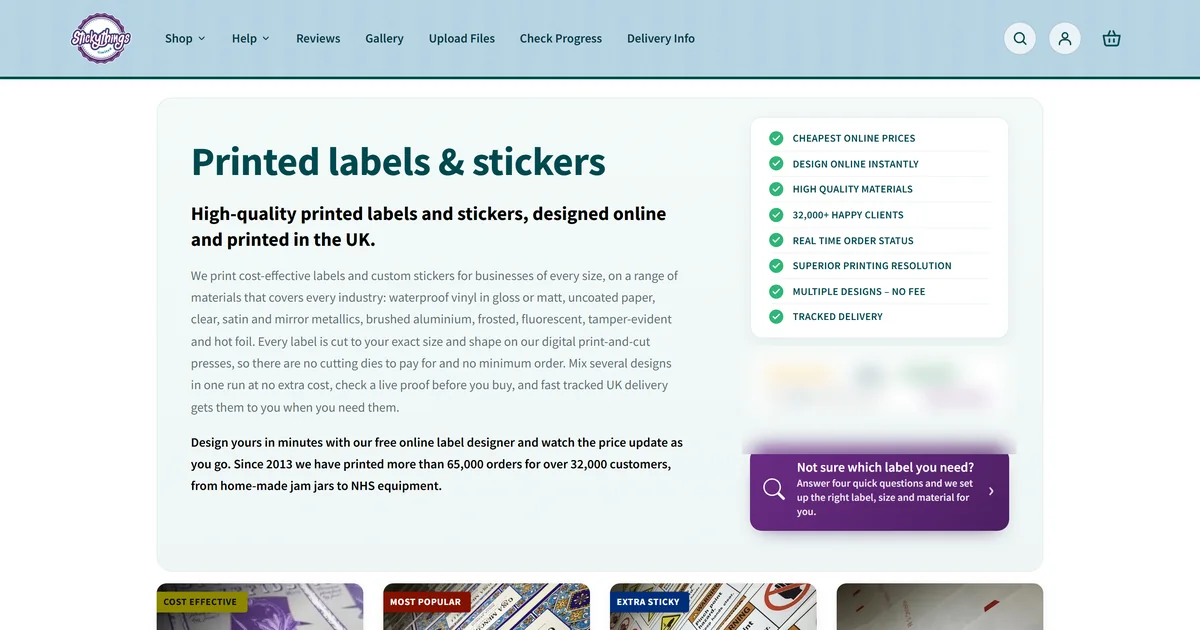
Screenlab, Australia: custom T-shirt and apparel printing with upfront pricing
An Australia-wide custom apparel printer selling T-shirts, hoodies, workwear and merch with an instant-quote storefront and online designer.
- release milestones
- 3
- Platform
- WooCommerce
- Builds
- T-shirt designer
-
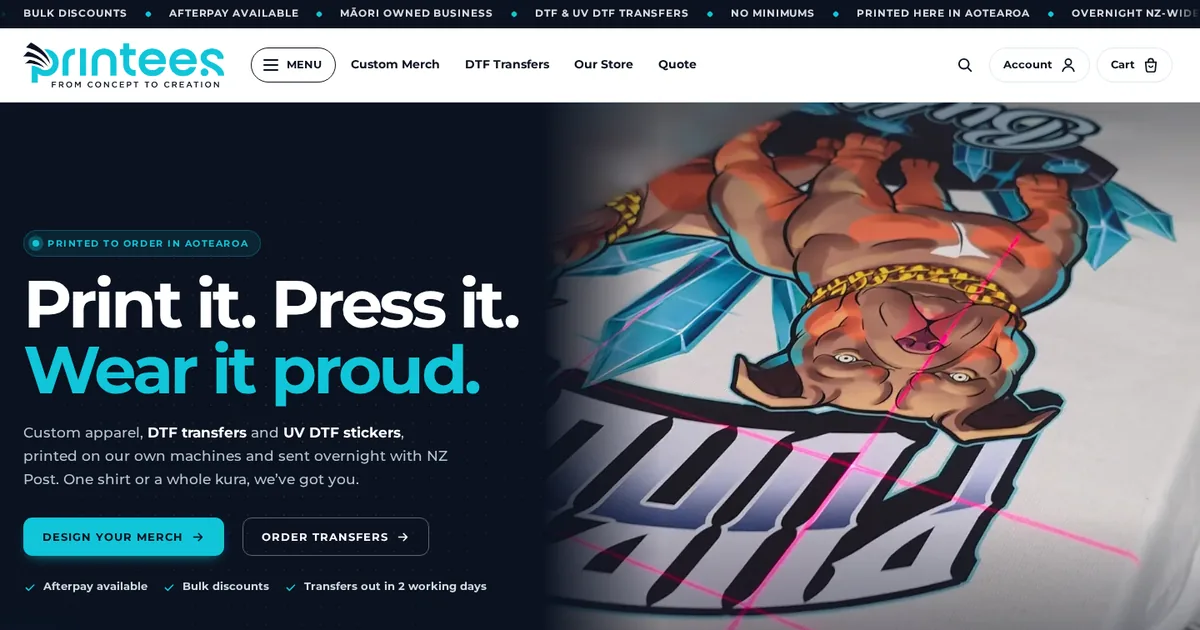
Printees, New Zealand: Māori-owned custom merch and DTF transfer printing
A Māori-owned New Zealand store selling custom merch and DTF and UV DTF transfers, printed to order with overnight NZ-wide shipping.
- release milestone
- 1
- Platform
- Custom storefront
- Builds
- T-shirt designer
-
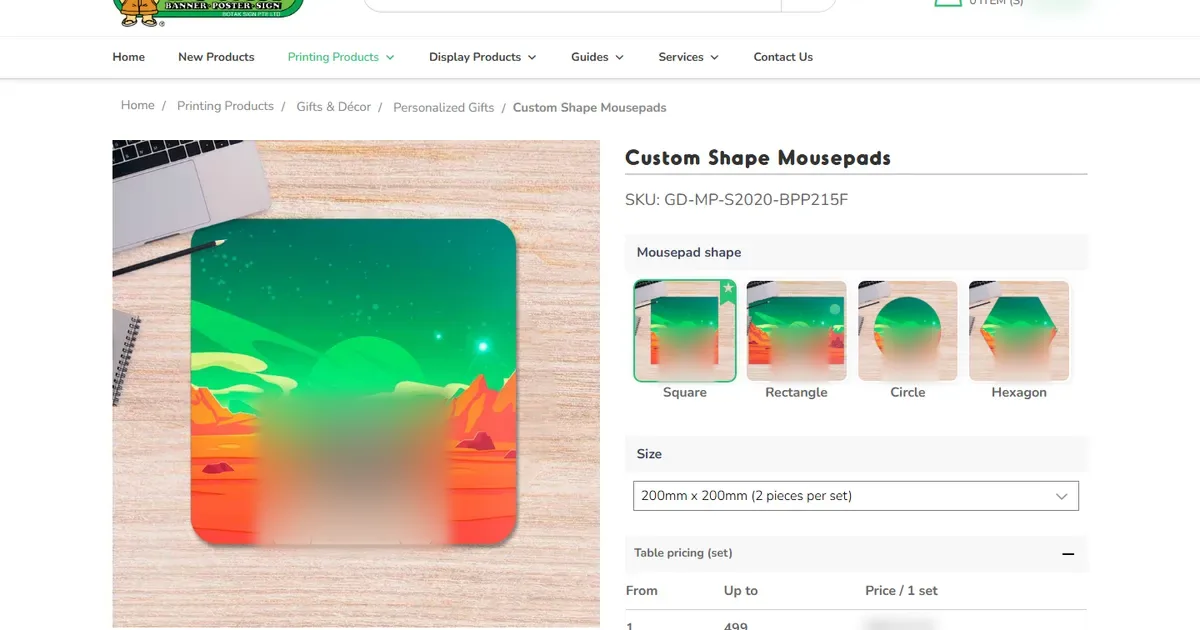
Sweet Spot Expressions, United States: personalized gifts and apparel online
A United States store selling personalized mandala wall art, apparel, drinkware and keepsake gifts, with a Create Your Own personalization route.
- tasks in the project record
- 4
- Platform
- WooCommerce
- Builds
- Promotional product designer


See it live
Live store using web-to-print components delivered by Netbase JSC, which operates Web2Print Solutions.
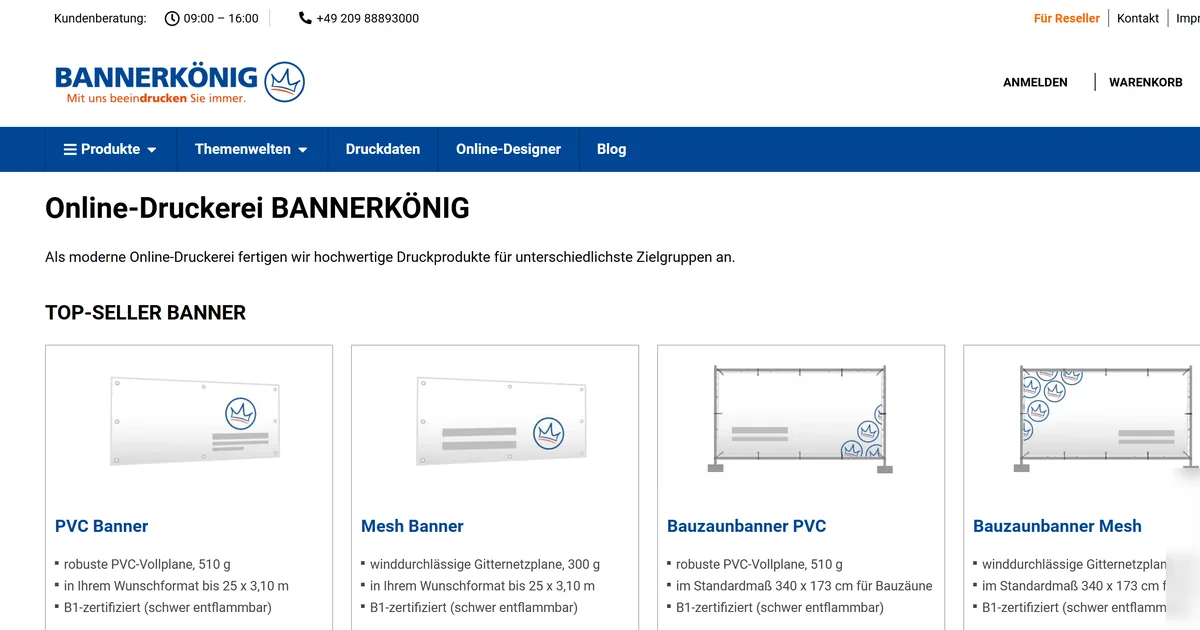

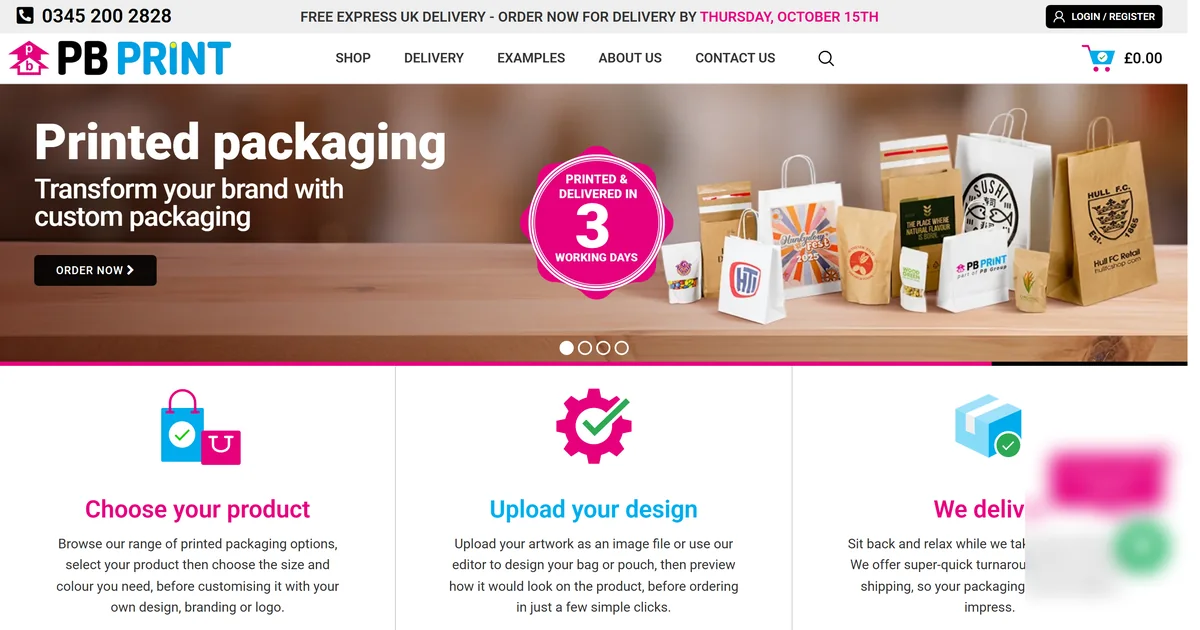
Discovery, implementation and operation
Define the boundary before the build. Test the agreed workflow before cutover. Record who owns support after launch.
Agree sample orders, output files and integration checks with the people who use them.
Run the agreed workflow end to end before anything replaces your current store.
Document monitoring, recovery, support ownership and future changes.
Countries delivered
Questions before a project


Share what exists today and where the workflow breaks down. Discovery determines the delivery scope.
Web-to-print software lets a print business sell customisable products online: a storefront, an online designer, print pricing from rules and a print-ready PDF for every order line sent to production. W2P Solution by Netbase JSC is one such platform, built on Laravel and priced by quote.
Yes. We build on Shopify, WooCommerce, WordPress, Magento / Adobe Commerce, BigCommerce and Wix, and also deliver fully custom stores.
Yes. We assess what exists, what is recoverable and what should be rebuilt, then agree a scope before any code changes.
A senior engineer is your single point of contact, with written updates and scheduled calls. Our day overlaps the Americas, Europe and Asia-Pacific business hours at different points.
A senior engineer reads every brief and replies in writing, with a short call if useful, then a written scope with acceptance criteria before work begins.
What print shop owners say
Quoted word for word from reviews clients left after working with Netbase JSC.
-
The technical support has been amazing, … always are ready to solve any problem, despite time zone, my company are Located in USA (11 hrs difference) and they response pretty fast. Thanks Guys
-
Exceptional communication skills from the team. I outlined my requirements and they provided clear steps and key mile stones of the project. … understood the process flow and the team executed everything in a few hours I requested a series of developer changes, and they provided solutions to problems I haven't even thought of yet! Highly recommended and will continue to use for all of my projects moving forward.
-
I have bought … and it has been perfect for me. I have had many other solutions in the past, but this one really fits my needs. I also have let them make some customizations which are also very good. I really recommend them!
-
The solution I have been looking for for a long time for my online typography. A very high quality product. Enriched by customer support which is truly exceptional and extraordinary. Always available and very prepared. In my case, …, they were really very good, prepared, friendly and professional. Perfect!
-
We've been using … over the last few years and had nothing but rave reviews from customers who use it. We've also received excellent and timely support from the team at Netbase. Thanks guys
-
I would like to thank … for his speedy reply and assistance in installation. Great service provided!
Useful decisions before you build
Read the delivery approach and scope guidance before sending a brief.

See what we could build on your store
Real stores we built, the platforms we work on and how a project runs, in one place.
Tell us about one product you want to sell online
A senior engineer reads every request and replies in writing, usually with one or two questions to scope it.Tell us about your print business and the people using the system.
Name the platform and backend systems if known, and explain where work slows down.
Describe one product, order or production task that the project should improve.
Send a project request
Use a work email. Do not include credentials, private customer data or confidential artwork.